
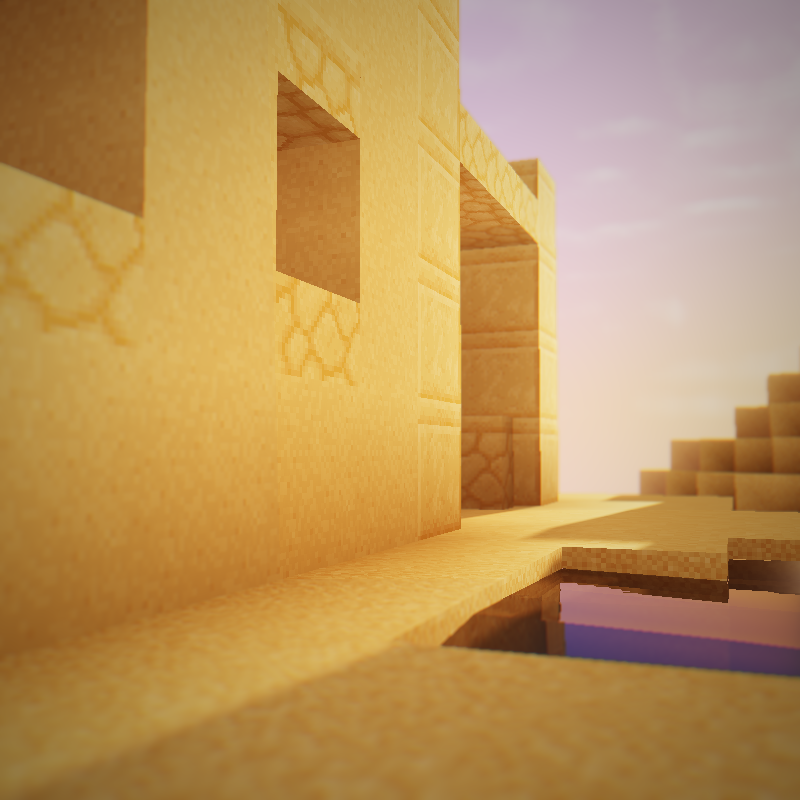
Why RedHat Shaders v34.3 is a top-tier shader mod for Minecraft 1.21.11
An edit of Chocapic13 focusing on semi-realism/fantasy featuring amazing lighting, lens flare and more!
⚙️ Quick Resource Specs
| Mod Creator | mlgimposter |
| Latest Version | 1.21.11 |
| Supported Game Versions | 1.21.11, 1.21.10, 1.21.9, 1.21.8, 1.21.7 |
| File Size | 190.20 KB |
| Last Updated | |
| Total Downloads | 2,393,709 downloads |
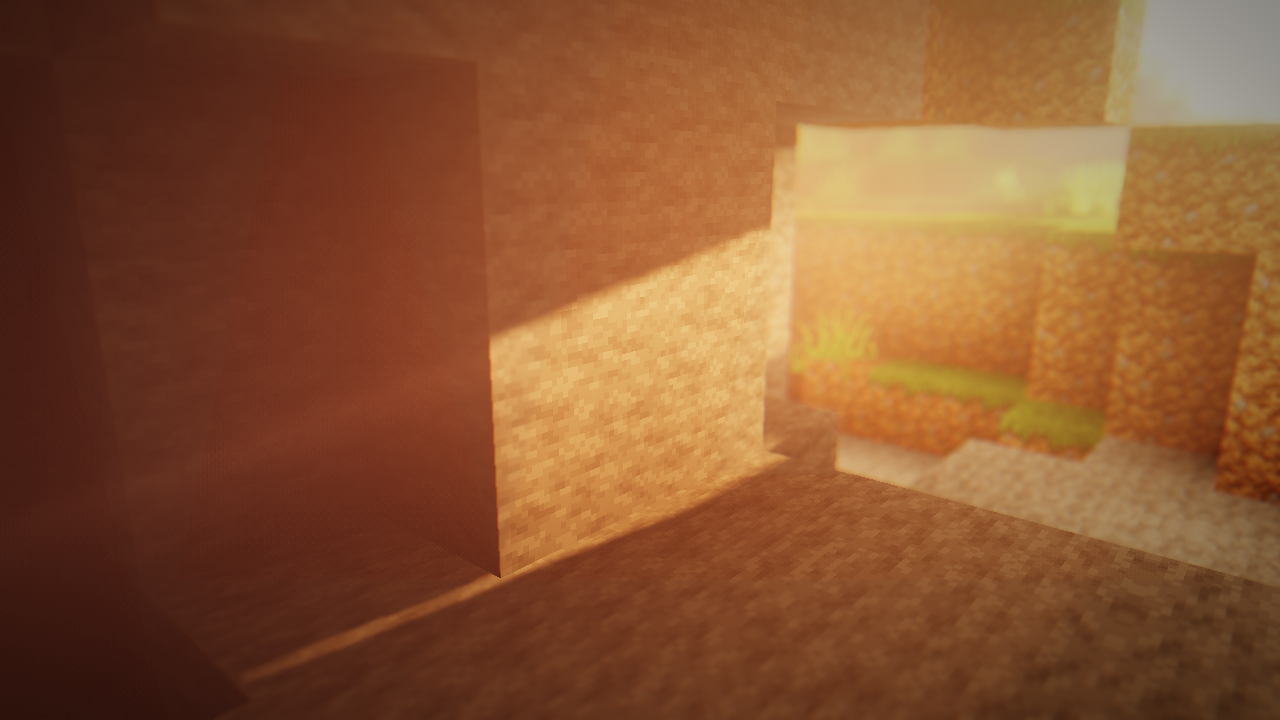
RedHat
A Chocapic13 Edit
RedHat is a shaderpack for Minecraft: Java Edition based on the popular shader Chocapic13.
This shaderpack features awesome colors, many features, tons of configurations, and a pretty good performance.
RedHat works both on Iris and Optifine, and during 2021 and 2022 it became one of the most popular edits of the time.
Features
RedHat features many lighting effects such as Godrays (both 3D and 2D, if you have a low-end machine), Shadows, Underwater Light Absorption, and many more.
The shaderpack features reflections too, and it also reflects some light on all surfaces, to make everything look cooler and more plastic (configurable as well).
There are many cinematic options such as Lens Flares, Depth of Field (Chromatic Aberration included), Grain, Tilt Shift, and others.
Then there are the colors, which change depending on the time, making everything more realistic and fantasy at the same time.
There are many effects related to movement as well. All foliage or hanging things wave (like lanterns when they hang), and there are Waving Hand and Waving Camera options too.
If that wasn't enough, RedHat supports all versions from 1.7.2 up to 1.19 and 1.18.2, and it supports all custom skies of texture packs! And it also supports vanilla minecraft clouds!
Lastly, there are many atmospherics effects such as Fog and Clouds, Round moon and sun, and other stuff like PBR support, Auto-Exposure, Stars, and many, many other things.
There are a lot of ways you can customize your shaderpack, and make it look like the way you want, and you can do all of that through the settings menu!
Requirements
Although, since RedHat isn't a very low-end shader, there are some requirements. Here you can see all of them.
GPU: Must support OpenGL 3.2 and have at least 1GB of VRAM. AMD, NVIDIA and Intel are all supported (You'll have to decrease some settings to play smoothly with Intel GPUs).
CPU: Must have a minimum clock speed of 1GHz
RAM: You must have located at least 2GB of RAM in your game
OS: Windows (7,8, 8.1, 10, 11), Linux (Mesa drivers might lead to issues)
Shadermod: Optifine or Iris (Iris may have some issues)
MC Version: 1.7.2, up to 1.19
If you use RedHat without meeting these requirements, then keep in mind you'll take a risk.
FAQ
In this section i'll answer common questions.
Is RedHat for low-end computers? I suggest it for medium-range pcs, although, with some lowered settings, you can still play at 40-50 FPS with Intel UHD GPUs
Can i use PVP texture-packs on 1.8.9 with this? As always, i suggest using the latest version, although it will work perfectly fine, and the custom sky will show the custom sky with the RedHat colors, making it look very nice.
Where do i report bugs? You can report bugs in the comments of the curseforge page, or in the discord.
Links
My other project, Cyanide: Link
Discord: Join
Hypixel SMP: Link
The Ultimate Guide to RedHat Shaders v34.3
If you are exploring the vast world of Minecraft modifications, RedHat Shaders v34.3 by mlgimposter is a standout shader that deserves your attention. With over 2,393,709 downloads, it has become a staple for players looking to enhance their experience. As the creator describes it, this project is "An edit of Chocapic13 focusing on semi-realism/fantasy featuring amazing lighting, lens flare and more!". Whether you are a veteran builder constructing massive cities, or simply a casual player looking to upgrade your survival world, this guide will provide you with all the essential details on how RedHat Shaders v34.3 alters the game.
What Makes It Special?
Unlike standard shaders that simply alter superficial elements, RedHat Shaders v34.3 introduces a wide array of visual and mechanical features designed to seamlessly blend into the vanilla aesthetic. mlgimposter has clearly spent significant time refining the project to ensure that every aspect feels polished and responsive for version 1.21.11.
Installation Guide
Getting RedHat Shaders v34.3 up and running is straightforward. Follow these step-by-step instructions:
- Verify Your Version: Ensure your Minecraft launcher is set to version 1.21.11.
- Install Mod Loader (if required): If this is a mod, download the compatible loader (Forge, Fabric, NeoForge).
- Download the File: Click the secure download button above to retrieve the official file from CurseForge.
- Move the File: Place the downloaded file into your `mods`, `shaderpacks`, or `resourcepacks` folder depending on the shader type.
- Launch and Enjoy: Open Minecraft, navigate to the respective settings menu, and activate RedHat Shaders v34.3.
Compatibility & Performance
Compatibility is robust. RedHat Shaders v34.3 is designed specifically for version 1.21.11, taking full advantage of the latest engine optimizations. During typical gameplay, this addition maintains a stable frame rate, though lower-end laptops might experience slight stuttering. We recommend pairing this with performance boosters like Sodium or Iris to guarantee a silky-smooth experience.


