
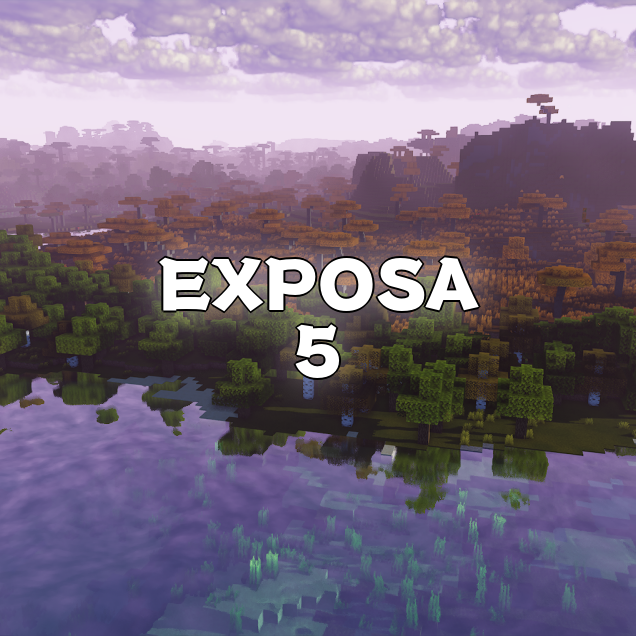
Why Exposa Shaders is a top-tier shader mod for Minecraft 1.21.7
Shaders that are playable and nice-looking.
⚙️ Quick Resource Specs
| Mod Creator | negorolxvv |
| Latest Version | 1.21.7 |
| Supported Game Versions | 1.21.7, 1.21.6, 1.21.5, 1.21.4, 1.21.3 |
| File Size | 3.68 MB |
| Last Updated | |
| Total Downloads | 789,309 downloads |
Description
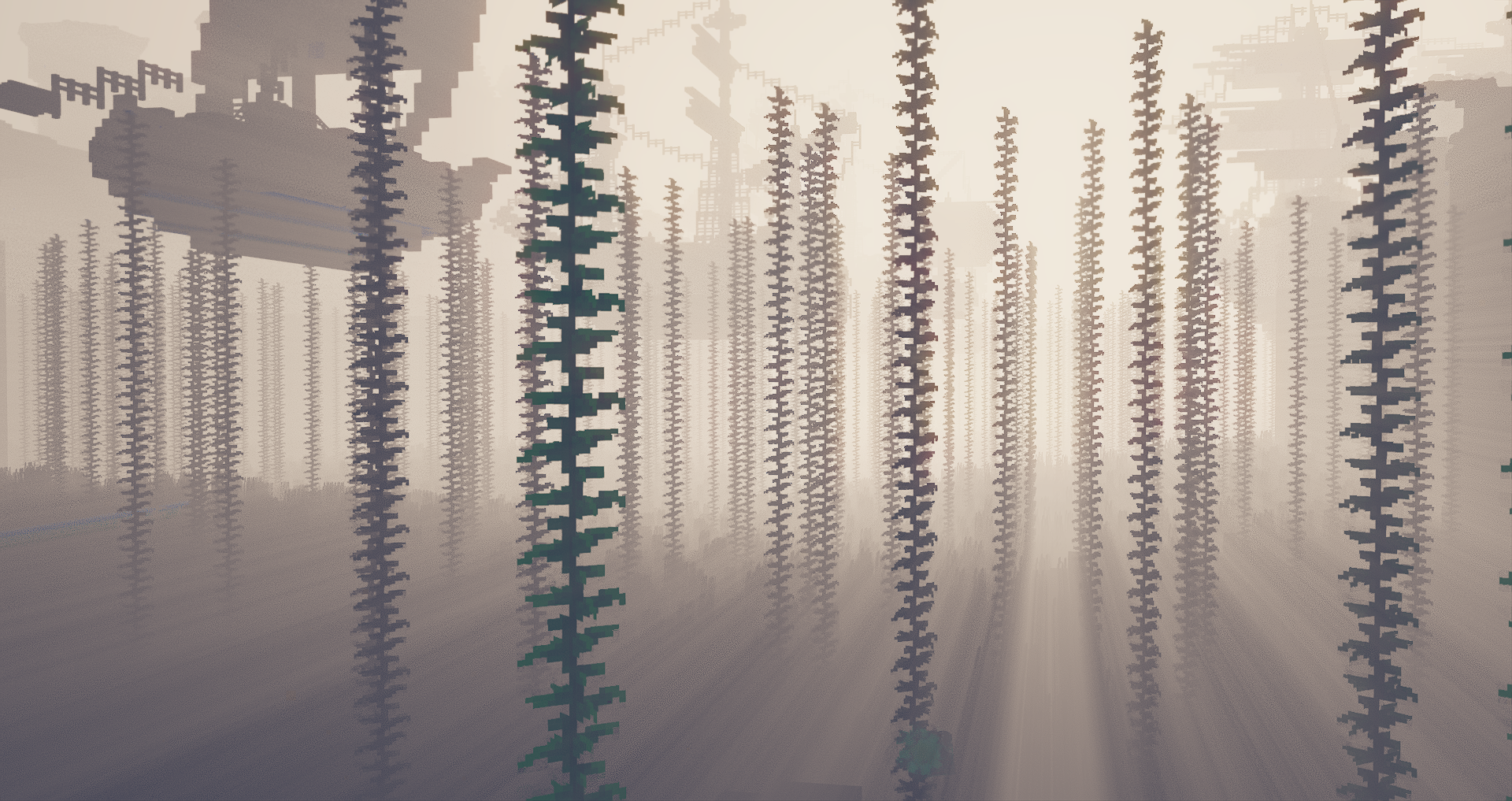
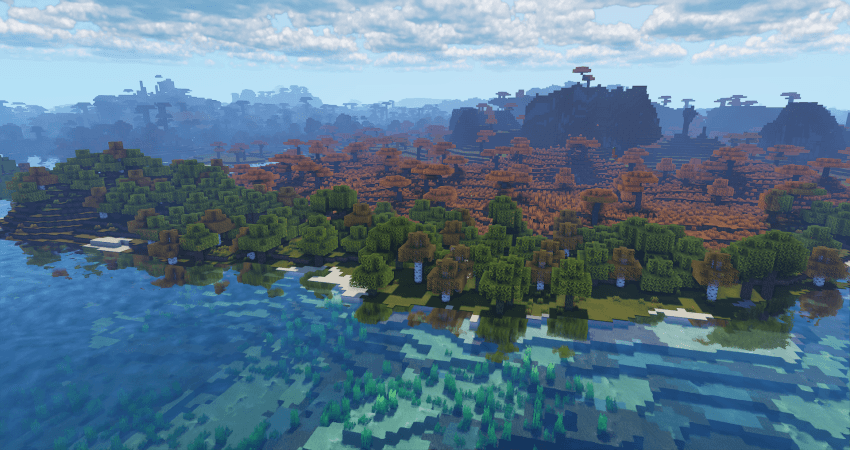
Hello! This is Exposa! Used to be known as Exposa Unique Shaders. This project is a shaderpack that aims for both a natural and a fantasy style.
Compatibility
It is compatible with Optifine and Iris, unknown about other mods and clients. It is also recommended to be used for versions 1.17x and above. It works well with AMD and NVIDIA and INTEL .
Nether and End support are full ATM. For custom dimensions support, please let me know what dimensions you would like to see supported.
License
For the most, I use the all rights reserved license, but I really wouldn't recommend using my code (I did not intend it for the use of being edited). If you'd like to edit anyway, you can ask me here!
Features
- rough reflections
- water reflections
- shadows
- motion blur
- depth of field
- puddles
- temporal anti aliasing
- HDR
- bloom
- tonemapping
- lightshafts
- volumetric clouds
- Seasonal Colors (Autumn, Winter, Spring, Summer)
- Shooting Stars
- Proper weather & translucent support
- Nether & End support
- Ambient SSS
- SSAO
- Directional Lightmaps
- VL Mist / Smokey Fog!
- Nether VL Swirly Fog
- Better TAA
- Better Puddles
Some Credits
RRe36 (https://www.curseforge.com/members/rre36) - Lots of help with clouds, volumetric fog, bloom and etc. Capt Tatsu (https://www.curseforge.com/members/capttatsu) - Gave me permission to use the reflections functions and even helped me apply them, let me use and modify bloom, motion blur, dof, volumetric fog and etc.
Unicorn Blood (https://www.curseforge.com/members/dakotah2468) - Letting me use and modify fog.
Xenith - Help with shadows method.
Jesse/L - In my older versions, he gave me a tonemap to use.
Belmu - Has helped me set up some things like rough reflections, you can support him here! (https://www.curseforge.com/minecraft/customization/noblert-shaders)
HardTop for the french translation: https://hardtopnet.ovh
Espen for many things (I only remember providing me with the minimum & maximum depth functions): https://modrinth.com/shader/bloop-shaders/versions
Xonk for many things (I only remember SSAO & SSS tricks and reflections LOD trick atm ;_;): https://github.com/X0nk/Bliss-Shader
Zombye for cool TAA tricks: https://github.com/zombye/spectrum/tree/master/shaders/program
Eldeston & Chocapic13 for previous coordinates transformation: https://modrinth.com/user/Eldeston, https://www.curseforge.com/minecraft/shaders/chocapic13-shaders
Random Noise website: https://www.pcg-random.org/
sRGB & Linear color space conversions: https://www.shadertoy.com/view/4tXcWr
PSSSST
(PSST, you should use this shaderpack while listening to this upcoming song, presave it its awesome and its also mine! Yes I am promoting my song… Yes I am desperate.) Awesome Song To Listen 2 While using Exposa
The Ultimate Guide to Exposa Shaders
If you are exploring the vast world of Minecraft modifications, Exposa Shaders by negorolxvv is a standout shader that deserves your attention. With over 789,309 downloads, it has become a staple for players looking to enhance their experience. As the creator describes it, this project is "Shaders that are playable and nice-looking.". Whether you are a veteran builder constructing massive cities, or simply a casual player looking to upgrade your survival world, this guide will provide you with all the essential details on how Exposa Shaders alters the game.
What Makes It Special?
Unlike standard shaders that simply alter superficial elements, Exposa Shaders introduces a wide array of visual and mechanical features designed to seamlessly blend into the vanilla aesthetic. negorolxvv has clearly spent significant time refining the project to ensure that every aspect feels polished and responsive for version 1.21.7.
Installation Guide
Getting Exposa Shaders up and running is straightforward. Follow these step-by-step instructions:
- Verify Your Version: Ensure your Minecraft launcher is set to version 1.21.7.
- Install Mod Loader (if required): If this is a mod, download the compatible loader (Forge, Fabric, NeoForge).
- Download the File: Click the secure download button above to retrieve the official file from CurseForge.
- Move the File: Place the downloaded file into your `mods`, `shaderpacks`, or `resourcepacks` folder depending on the shader type.
- Launch and Enjoy: Open Minecraft, navigate to the respective settings menu, and activate Exposa Shaders.
Compatibility & Performance
Compatibility is robust. Exposa Shaders is designed specifically for version 1.21.7, taking full advantage of the latest engine optimizations. During typical gameplay, this addition maintains a stable frame rate, though lower-end laptops might experience slight stuttering. We recommend pairing this with performance boosters like Sodium or Iris to guarantee a silky-smooth experience.


