

Why Fresh Moves is a top-tier texture pack mod for Minecraft 1.21.4
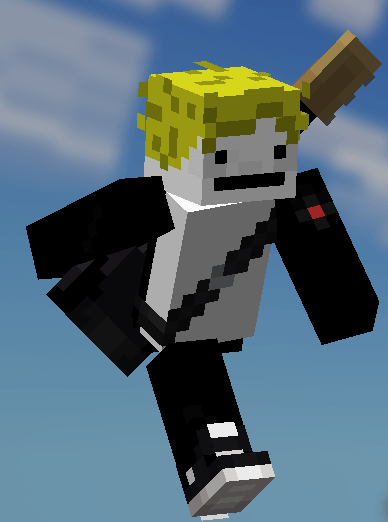
This is EMF Player Animation resource pack. Gives fancy animations to the player entity. Compatible with animations from other mods. Like Quark's emotes, Parcool techniques and Not Enough Animations.
⚙️ Quick Resource Specs
| Mod Creator | Ithan |
| Latest Version | 1.21.4 |
| Supported Game Versions | 1.21.4, 1.21.3, 1.20.4, 1.20.3, 1.20.2 |
| File Size | 1.14 MB |
| Last Updated | |
| Total Downloads | 19,943,048 downloads |

You need the LATEST versions Entity Model Features (+v2.0.2), Entity Texture Features (+v6.0.1) to use this pack. This are client-side mods that are available for both Forge and Fabric
![EMF] Entity Model Features [Fabric & Forge] - Minecraft Mods - CurseForge](https://media.forgecdn.net/avatars/983/284/638491564386011875.png)
![EMF] Entity Model Features - Versions](https://raw.githubusercontent.com/Traben-0/Entity_Texture_Features/master/.github/README-assets/icon.png)
BE SURE TO USE THE RIGHT VERSION (FOR ANIMTED EYES AND MINECRAFT VERSION)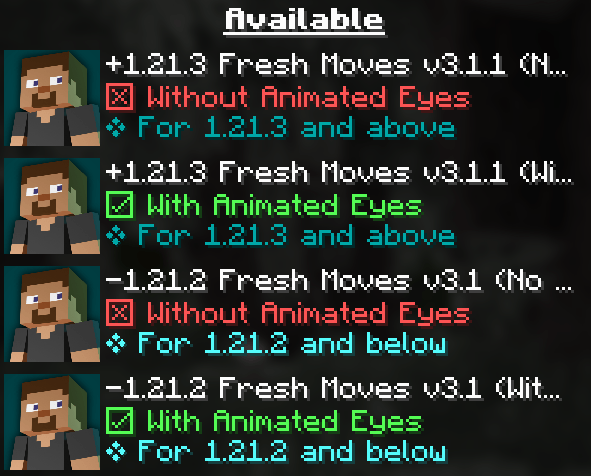
OPTIFINE DOESN'T SUPPORT PLAYER CUSTOM MODELS ...yet, just in case.
Check this tutorial and the new face feaures added in v3.0 in this tutorial made by Laynce.
To fix Black eyes follow this quick guide ↓. For a video demonstration go to this page in the wiki of the resourcepack.
Fix Black Eyes · IthanMendoza/Fresh-Moves Wiki (github.com)
If you want your hand to stop moving in the first person perspective. Go to this page in the wiki to disable it.
Fix Moving 1st Person Hand · IthanMendoza/Fresh-Moves Wiki (github.com)
For this mod to work you have to activate this features in the EMF and ETF settings:
First go to resourcepacks
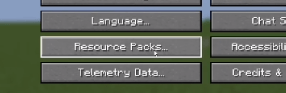
The click in this button (ETF and EMF settings)
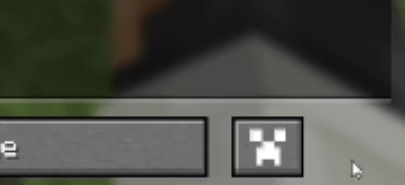
Click in textures
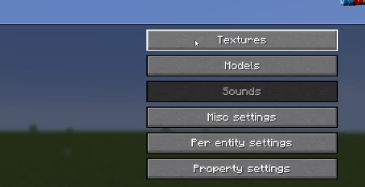
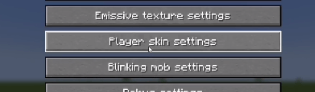
Click on player skin settings
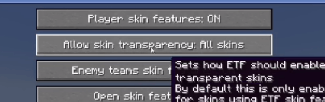
And activate the option that says "Allow skin transparency" and set it to "All skins"
Go back to the mod settings and click on models
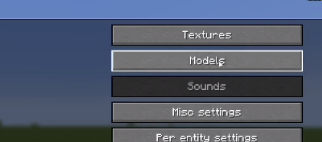
Go to Options and Fixes
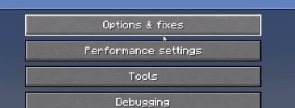
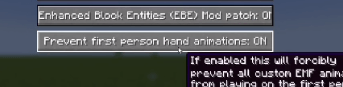
And finally set to On the option that says "Prevent first person hand animation"
To animate the eyes go to the Fresh Moves wiki. TLDR you must add extra pixels to your skin and upload that modified skin. The positions of those extra pixels are in the wiki. All supported eyes are there.
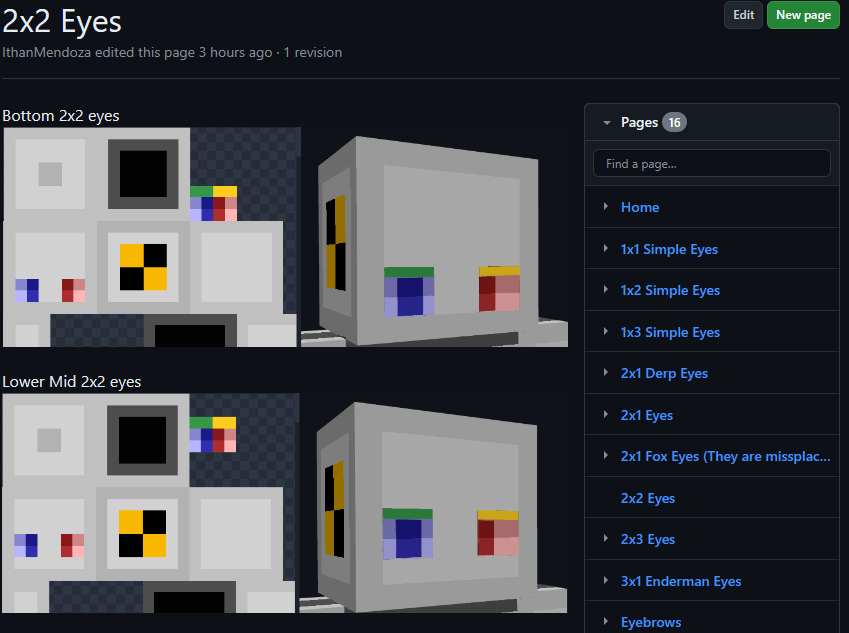
Here are some examples of things you must get in the end in your skin.png. This result must be used as your skin. If other people have these extra pixels on their skin, you will be able to see their animated eyes in multiplayer.
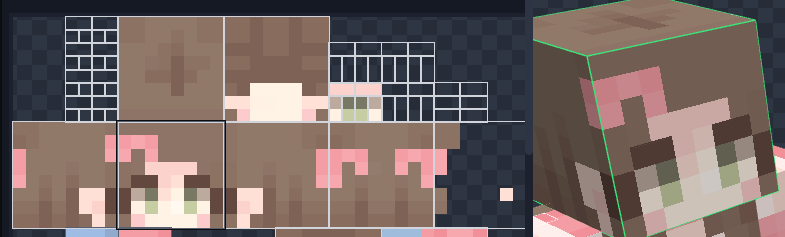
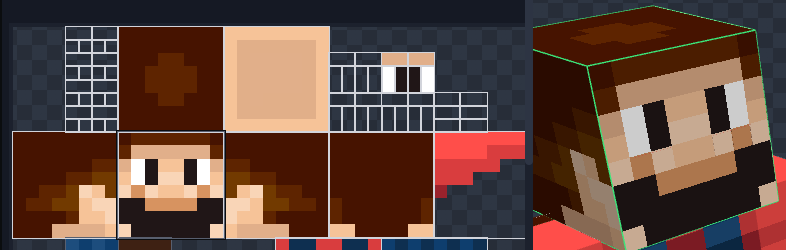
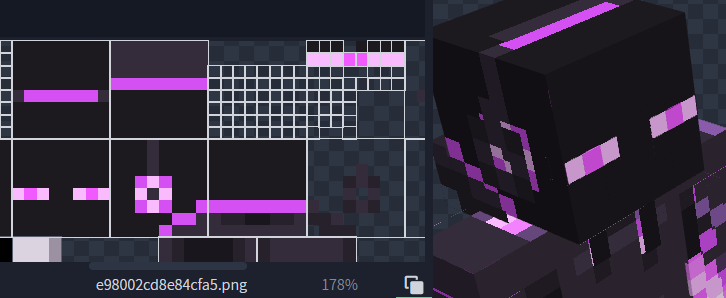
May look like there is some part missing the eyewhites but in game the eyewhites expand to their normal size. Notice that it has the eyebrows at the third position.
Features:
- This resource pack overhauls the idle, walking and swimming animation and gives some othe details to the player.
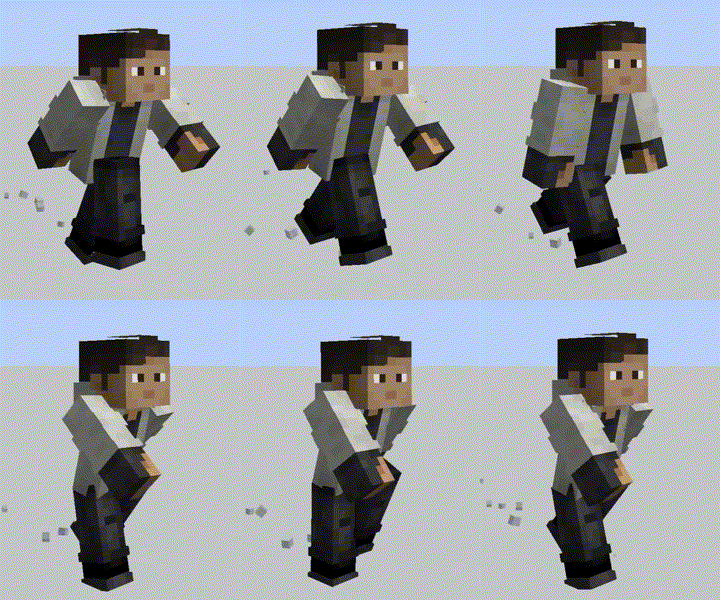
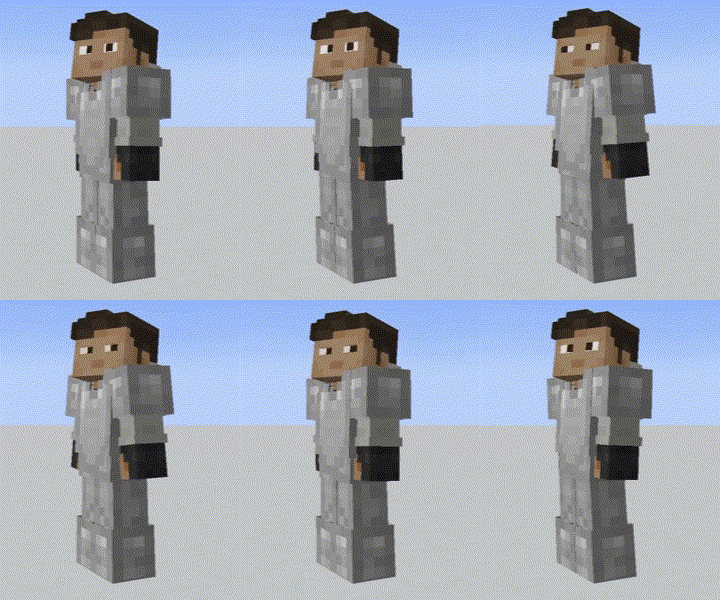
- This resource pack has been made with special compatibility for Parcool, Paraglider, Quark's emotes, Not Enough Animations, Personality, Amendments and Real Camera mod. Other mods' animations may work. The resource pack doesn't overwrite the arms animations at all so animations on them should play as normal. Not the case for the legs though
- For Parcool we recommend dissabling the "Fast Running" and "Fast Swimming" animators in the configuration menu (Use "Configured" for that) Animations/Animators.
- Also comes with fixes for Sleep Tight's sleeping position.
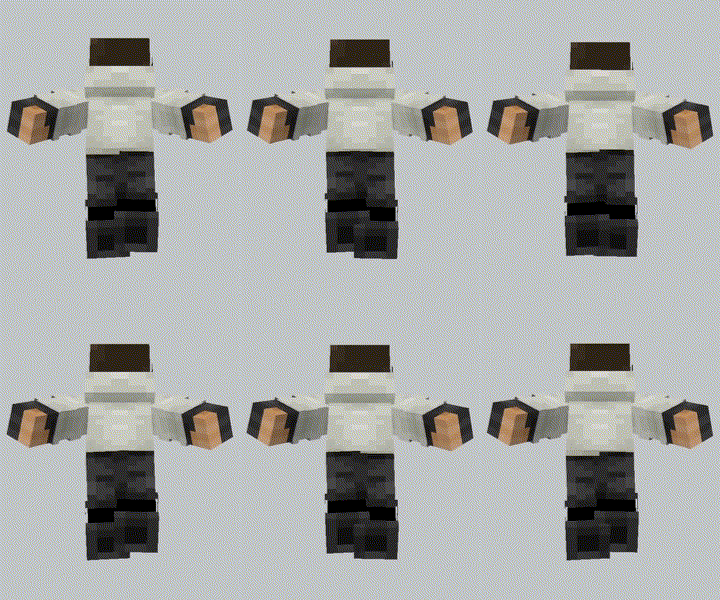
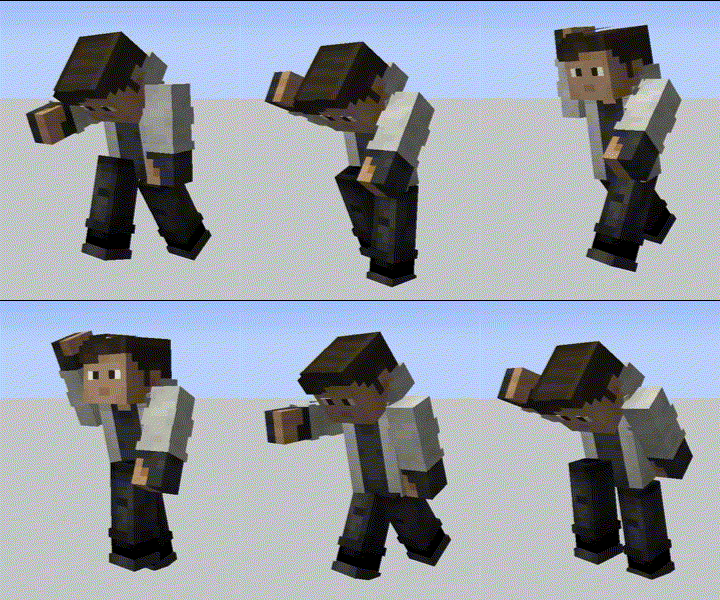
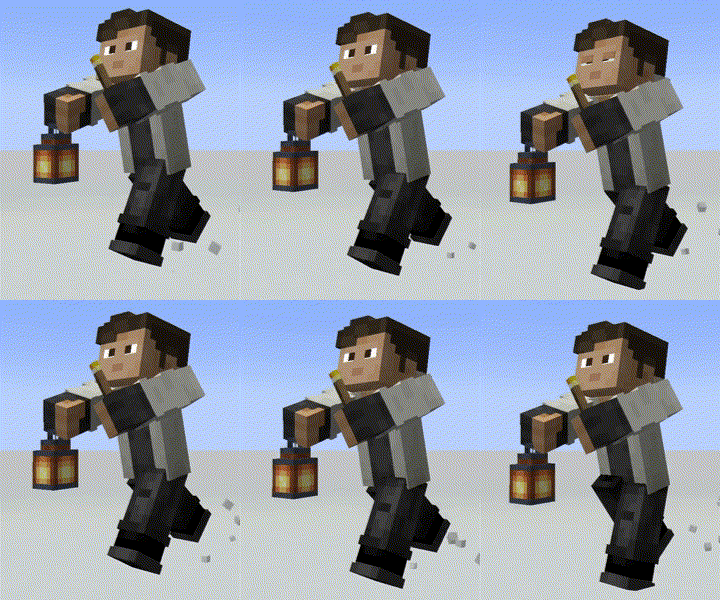
This pack is also available in Modrinth and Planet Minecraft.
Here are some tutorials for different languages:
Credits:
- FreshLX: Creator of Fresh Animations resourcepack. The pillager, enderman and villager animations of the Fresh Animations pack were used as the base of this pack.
- Ithan: Animation editor and responsible for the extensive eye support and other facial features compatibility.
- Traben: Creator of ETF and ETM and the custom player models feature. He helped me a lot in the creation of the pack
- BoZo-Xo2 & CoolRanchChris: Creators of the original Fresh Player Animations resourcepack and members of the Traben's discord server (The pack where Fresh Moves is made from)
- TrasTick: Mantains the Modrinth and Planet Minecraft pages.
- Laynce: Creator of the video tutorial for Fresh Moves
Fresh Player Animations and other player animation packs can be found in the Traben's Discord Server in the etf-emf-pack-list channel. Be sure to take a look.
The Ultimate Guide to Fresh Moves
If you are exploring the vast world of Minecraft modifications, Fresh Moves by Ithan is a standout texture that deserves your attention. With over 19,943,048 downloads, it has become a staple for players looking to enhance their experience. As the creator describes it, this project is "This is EMF Player Animation resource pack. Gives fancy animations to the player entity. Compatible with animations from other mods. Like Quark's emotes, Parcool techniques and Not Enough Animations. ". Whether you are a veteran builder constructing massive cities, or simply a casual player looking to upgrade your survival world, this guide will provide you with all the essential details on how Fresh Moves alters the game.
What Makes It Special?
Unlike standard textures that simply alter superficial elements, Fresh Moves introduces a wide array of visual and mechanical features designed to seamlessly blend into the vanilla aesthetic. Ithan has clearly spent significant time refining the project to ensure that every aspect feels polished and responsive for version 1.21.4.
Installation Guide
Getting Fresh Moves up and running is straightforward. Follow these step-by-step instructions:
- Verify Your Version: Ensure your Minecraft launcher is set to version 1.21.4.
- Install Mod Loader (if required): If this is a mod, download the compatible loader (Forge, Fabric, NeoForge).
- Download the File: Click the secure download button above to retrieve the official file from CurseForge.
- Move the File: Place the downloaded file into your `mods`, `shaderpacks`, or `resourcepacks` folder depending on the texture type.
- Launch and Enjoy: Open Minecraft, navigate to the respective settings menu, and activate Fresh Moves.
Compatibility & Performance
Compatibility is robust. Fresh Moves is designed specifically for version 1.21.4, taking full advantage of the latest engine optimizations. During typical gameplay, this addition maintains a stable frame rate, though lower-end laptops might experience slight stuttering. We recommend pairing this with performance boosters like Sodium or Iris to guarantee a silky-smooth experience.


