
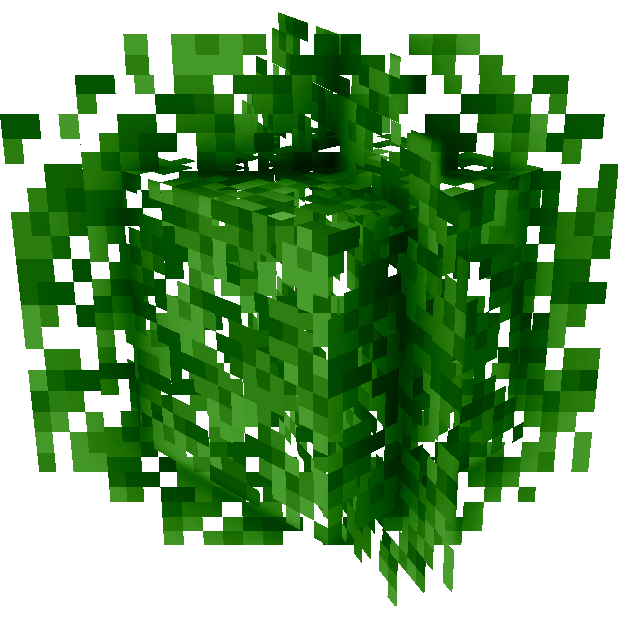
Why Motschen's Better Leaves is a top-tier texture pack mod for Minecraft 1.21.11
Improves the appearance of leaves with high mod compatibility and performance!
⚙️ Quick Resource Specs
| Mod Creator | Motschen |
| Latest Version | 1.21.11 |
| Supported Game Versions | 1.21.11, 1.21.10, 1.21.9, 1.21.8, 1.21.7 |
| File Size | 1.83 MB |
| Last Updated | |
| Total Downloads | 29,366,314 downloads |

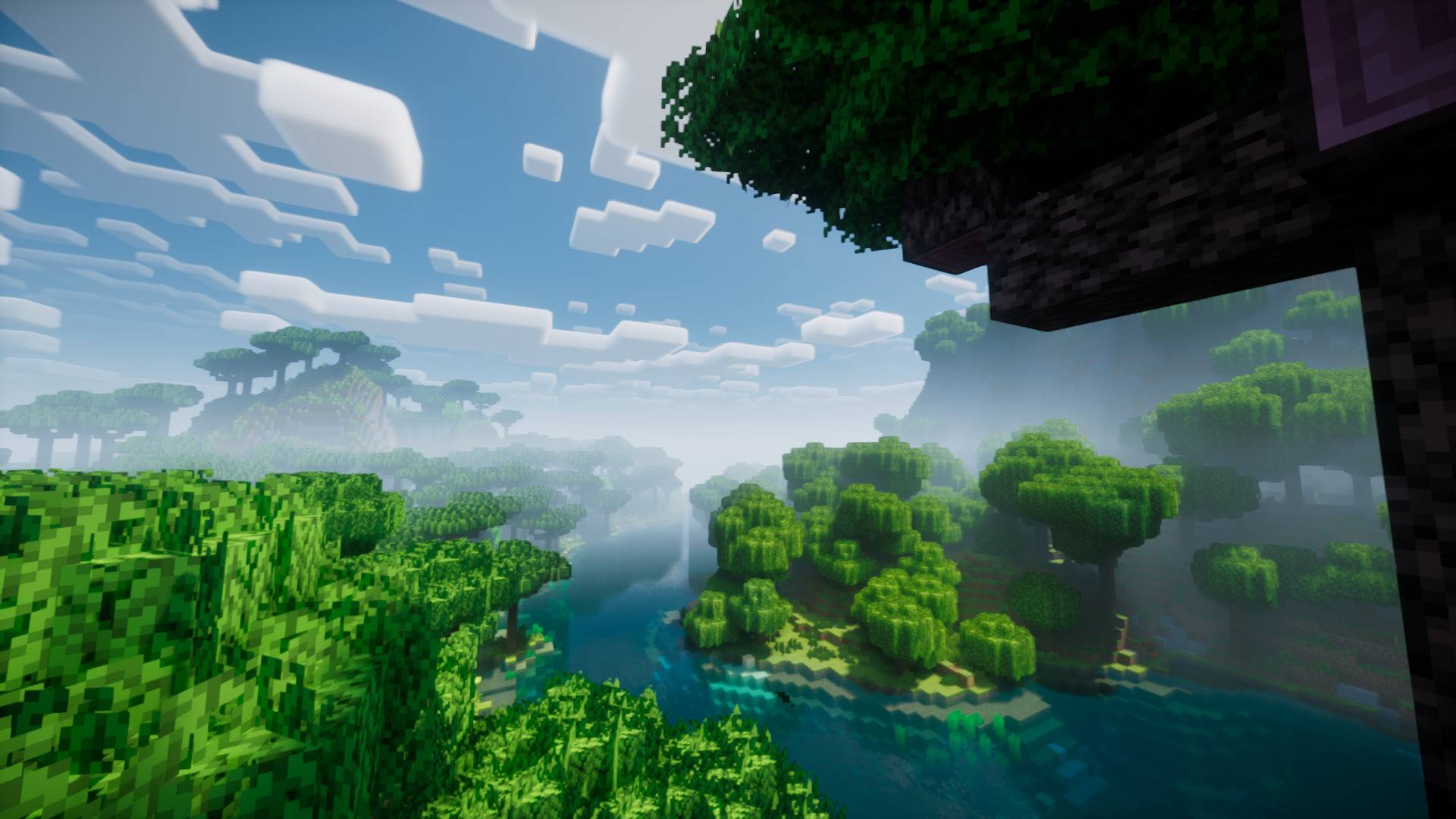
Better Leaves adds additional layers to leaf blocks, making them appear more bushy, dense and natural.

Version 9.0 is focused on performance, with textures being automatically created for every leaf. Unlike 8.1, this is not dynamic, so you have to follow a few simple steps to compile custom versions for use with texturepacks.
In version 8.1 and lower, this resourcepack adds no textures, making it compatible with almost all resourcepacks and mods out of the box (the textures adjust dynamically). This comes at the cost of performance, though.
I strongly recommend installing the Cull Leaves mod alongside Sodium/Embeddium to get more FPS.
Like this pack? Check out my other pack, Round Trees.

Explicitly supported Mods (v9.5):
- Ad Astra
- Alex's Caves
- Architect's Palette
- Ars Elemental
- Ars Nouveau
- Aurora's Decorations
- Better End
- Better Nether
- Bewitchment
- Biome Makeover
- Biomes O' Plenty
- Blockus
- Blossom
- Blue Skies
- Bountiful Fares
- Chipped
- Cobblemon
- Croptopia
- Deep Aether
- Deeper and Darker
- Dreamwoods
- Dynamic Trees (+ Addons)
- Ecologics
- Enderscape
- End's Phantasm
- Environmental
- Eternal Starlight
- Forbidden and Arcanus
- Fruits Delight
- Integrated Dynamics
- [Let's Do] Beachparty
- [Let's Do] BloomingNature
- [Let's Do] Meadow
- [Let's Do] Vinery
- Lighter End
- Nature's Spirit
- Nether's Exoticism
- Mariposa
- Mystic's Biomes
- Oh The Biomes We've Gone
- Paradise Lost
- Quark
- Regions Unexplored
- Tech Reborn
- Terrestria
- The Twilight Forest
- The Undergarden
- Traverse
- The Aether
- The Aether: Redux
- Wilder Wild
- Windswept
Explicitly supported Mods (v8.1):
Ad Astra, Architect's Pallete, Ars Nouveau, Aurora's Decorations, Croptopia, BetterDefaultBiomes, BetterNether, BetterEnd, BetterEndForge, Bewitchment, Biome Makeover, Biomes O' Plenty, Bloomful, Bountiful Fares, Cobblemon, Colorful Azaleas, Crimson, Druidcraft, Dynamic Trees, Ecologics, Environmental, Fruits Delight, Good Ending, Integrated Dynamics, JavaDungeons, Luminiferous Uplands, Mubble, Natures Spirit, Oh The Biomes You'll Go, Quark, Quek's End, Regions Unexplored, Swamp Expansion, Tech Reborn, Terrestria, Traverse, UpgradeAquatic, Wild Explorer, Woods and Mires
The Ultimate Guide to Motschen's Better Leaves
If you are exploring the vast world of Minecraft modifications, Motschen's Better Leaves by Motschen is a standout texture that deserves your attention. With over 29,366,314 downloads, it has become a staple for players looking to enhance their experience. As the creator describes it, this project is "Improves the appearance of leaves with high mod compatibility and performance!". Whether you are a veteran builder constructing massive cities, or simply a casual player looking to upgrade your survival world, this guide will provide you with all the essential details on how Motschen's Better Leaves alters the game.
What Makes It Special?
Unlike standard textures that simply alter superficial elements, Motschen's Better Leaves digs deep into the game's engine to provide a cohesive, performance-focused experience. Motschen has clearly spent significant time refining the project to ensure that every aspect feels polished and responsive for version 1.21.11.
Installation Guide
Getting Motschen's Better Leaves up and running is straightforward. Follow these step-by-step instructions:
- Verify Your Version: Ensure your Minecraft launcher is set to version 1.21.11.
- Install Mod Loader (if required): If this is a mod, download the compatible loader (Forge, Fabric, NeoForge).
- Download the File: Click the secure download button above to retrieve the official file from CurseForge.
- Move the File: Place the downloaded file into your `mods`, `shaderpacks`, or `resourcepacks` folder depending on the texture type.
- Launch and Enjoy: Open Minecraft, navigate to the respective settings menu, and activate Motschen's Better Leaves.
Compatibility & Performance
Compatibility is robust. Motschen's Better Leaves is designed specifically for version 1.21.11, taking full advantage of the latest engine optimizations. Since this is heavily focused on optimization, you can expect significant frame rate improvements on both low-end and high-end hardware.


