
Why PVP Essentials Pack is a top-tier texture pack mod for Minecraft 1.21.130
Developed by the talented creator FoxyFall, PVP Essentials Pack stands out as a highly recommended selection for your Minecraft client. It is fully optimized, compatibility-tested, and brings a major upgrade to the gameplay experience in Minecraft version 1.21.130.
⚙️ Quick Resource Specs
| Mod Creator | FoxyFall |
| Latest Version | 1.21.130 |
| Supported Game Versions | 1.21.130, 1.21.120, 1.21.100, 1.21.90, 1.21.80 |
| File Size | 6.07 MB |
| Last Updated | |
| Total Downloads | 49,177 downloads |
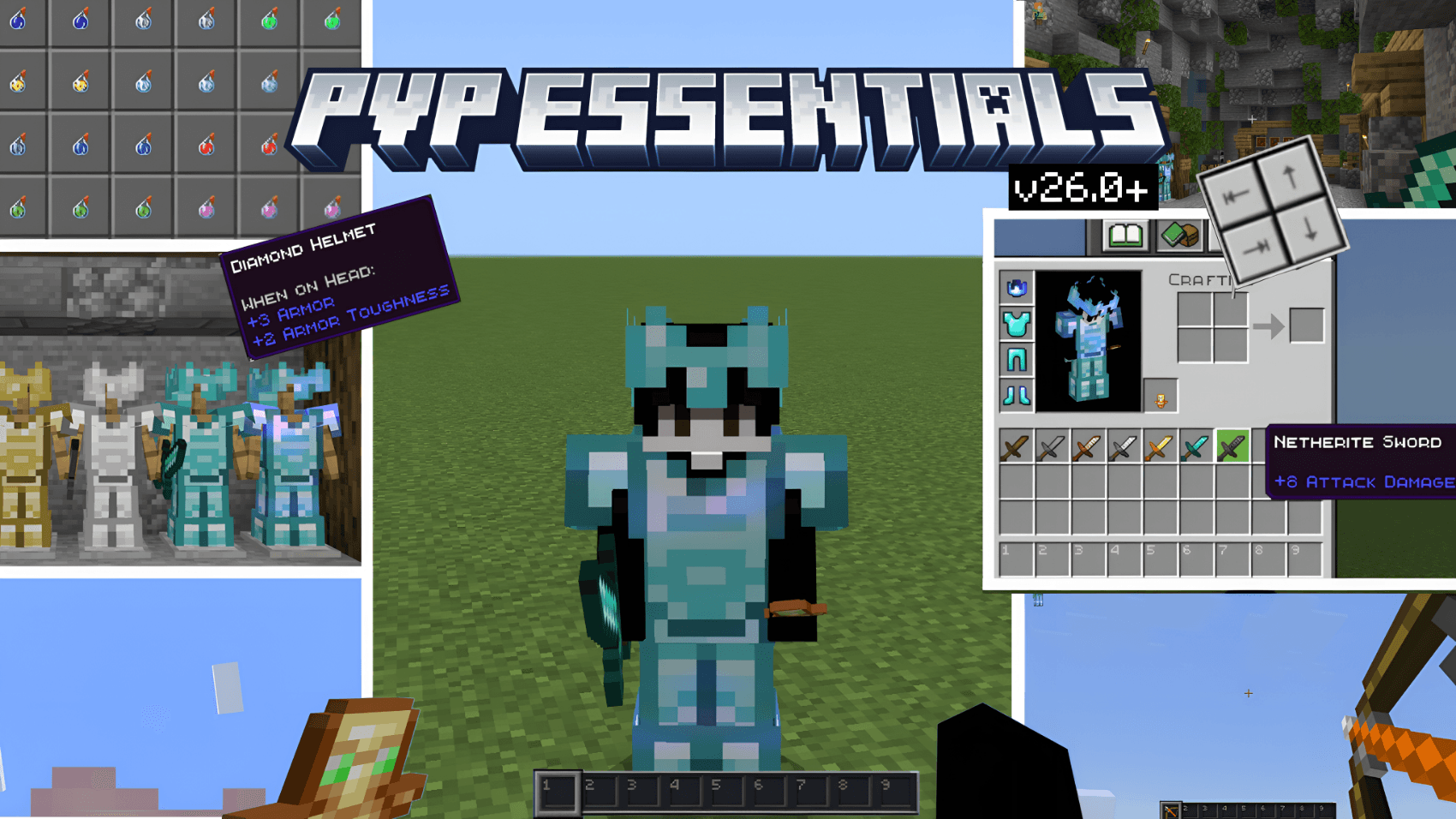
PVP Essentials
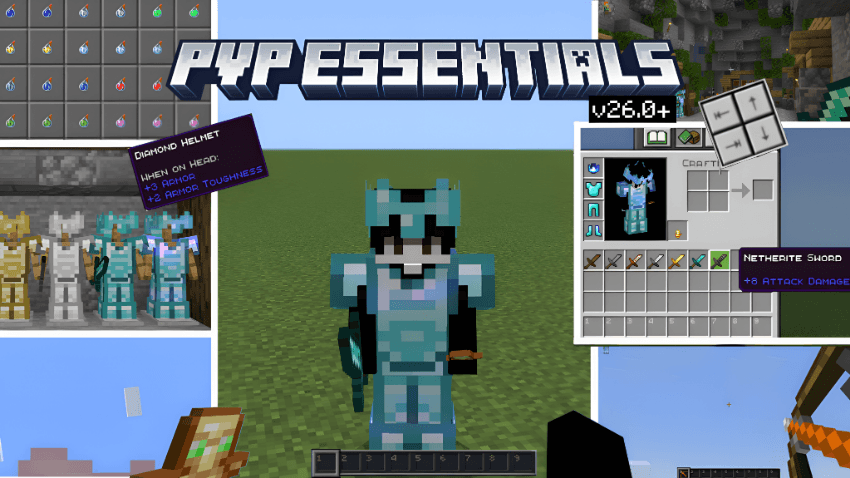
A Bedrock resource pack built for competitive players.
No fluff. No distractions. Every texture decision exists to give you an edge.
Features
- Clear Glass — All 16 glass colors fully transparent. No visual obstruction.
- Ore Highlighting — High-contrast ores for every variant, including all deepslate types.
- Distinct Potions — Every drinkable and splash potion has a unique, readable color.
- Minimal Fog — Fog reduced across 70+ biomes including instant underwater visibility. Enemies have nowhere to hide.
- Numbered Hotbar — Slot numbers on your hotbar for instant inventory reads under pressure.
- Clean Weapons & Armor — Swords and helmets retextured across all tiers for fast identification.
- Shield Rework — Custom shield model, geometry and low-shield animation. Correctly wired via attachable for reliable blocking feedback.
- Quick Craft — One-tap output collection on crafting table, stonecutter and villager trading. Works on both desktop and mobile.
- Inventory HUD — Full 36-slot inventory overlay on your HUD. See all items at a glance without opening your inventory.
- Optimized HUD — Chat, inventory, and status effect icons tuned for competitive play. Help buttons removed throughout.
Subpack Options
Select your preferred mode in the pack settings gear icon after activating.
📥 Installation
- Download the
.mcpackfile - Open it, Minecraft imports it automatically
- Activate in Global Resources or World Settings
- Tap the gear icon on the pack to choose your subpack mode
The Ultimate Guide to PVP Essentials Pack
If you are exploring the vast world of Minecraft modifications, PVP Essentials Pack by FoxyFall is a standout texture that deserves your attention. With over 49,177 downloads, it has become a staple for players looking to enhance their experience. As the creator describes it, this project is "PVP Essentials is a MCPE/BE resource pack built for competitive play. Clear glass, ore highlights, distinct potion colors, numbered hotbar, and minimal fog, everything you need to stay focused and win fights.". Whether you are a veteran builder constructing massive cities, or simply a casual player looking to upgrade your survival world, this guide will provide you with all the essential details on how PVP Essentials Pack alters the game.
What Makes It Special?
Unlike standard textures that simply alter superficial elements, PVP Essentials Pack introduces a wide array of visual and mechanical features designed to seamlessly blend into the vanilla aesthetic. FoxyFall has clearly spent significant time refining the project to ensure that every aspect feels polished and responsive for version 1.21.130.
Installation Guide
Getting PVP Essentials Pack up and running is straightforward. Follow these step-by-step instructions:
- Verify Your Version: Ensure your Minecraft launcher is set to version 1.21.130.
- Install Mod Loader (if required): If this is a mod, download the compatible loader (Forge, Fabric, NeoForge).
- Download the File: Click the secure download button above to retrieve the official file from CurseForge.
- Move the File: Place the downloaded file into your `mods`, `shaderpacks`, or `resourcepacks` folder depending on the texture type.
- Launch and Enjoy: Open Minecraft, navigate to the respective settings menu, and activate PVP Essentials Pack.
Compatibility & Performance
Compatibility is robust. PVP Essentials Pack is designed specifically for version 1.21.130, taking full advantage of the latest engine optimizations. During typical gameplay, this addition maintains a stable frame rate, though lower-end laptops might experience slight stuttering. We recommend pairing this with performance boosters like Sodium or Iris to guarantee a silky-smooth experience.


