Why PlunderPixel's Shader Reimagined is a top-tier shader mod for Minecraft 1.7.4
A decade later, we're back with the clean and buttery flavor everyone loved. Lagless, smooth and real!
⚙️ Quick Resource Specs
| Mod Creator | PlunderPixels |
| Latest Version | 1.7.4 |
| Supported Game Versions | 1.7.4 |
| File Size | 35.55 KB |
| Last Updated | |
| Total Downloads | 681,880 downloads |
PlunderPixels Shaders - Reimagined
The pack you remember is back. Rebuilt from the ground up.
Years on, PlunderPixels returns. The shader that gave so many worlds their glow has been fully revamped by its original creator, re-engineered for modern Minecraft and the latest OptiFine and Iris. Same soul, brand new engine. Everything you loved is here, and everything that felt dated is gone.
This is not a re-upload. It is a top-to-bottom rebuild.
What's new
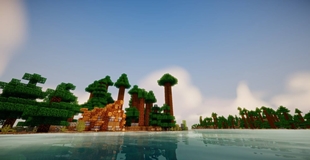
- Water that moves like water. The surface rolls with organic, wind-driven waves that wander and interweave instead of marching in straight lines. Look straight down and it stays clear; catch it at a grazing angle and it turns to a mirror of the sky and the shoreline.
- Sunlight on the seabed. Real wave ripples across the shallows, focused and projected from the sun's actual angle so they slide as the day turns. They fade in the shade, fade off in deep water, and never light a floor the sun cannot reach.
- Dive under. Below the surface, shafts of light spear down through the water, toward the sun by day and the moon by night, following the same focused pattern and cutting off wherever a shadow falls. Murkier water catches more of them. Look up and you can still see the surface and the sky beyond.
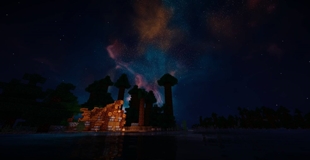
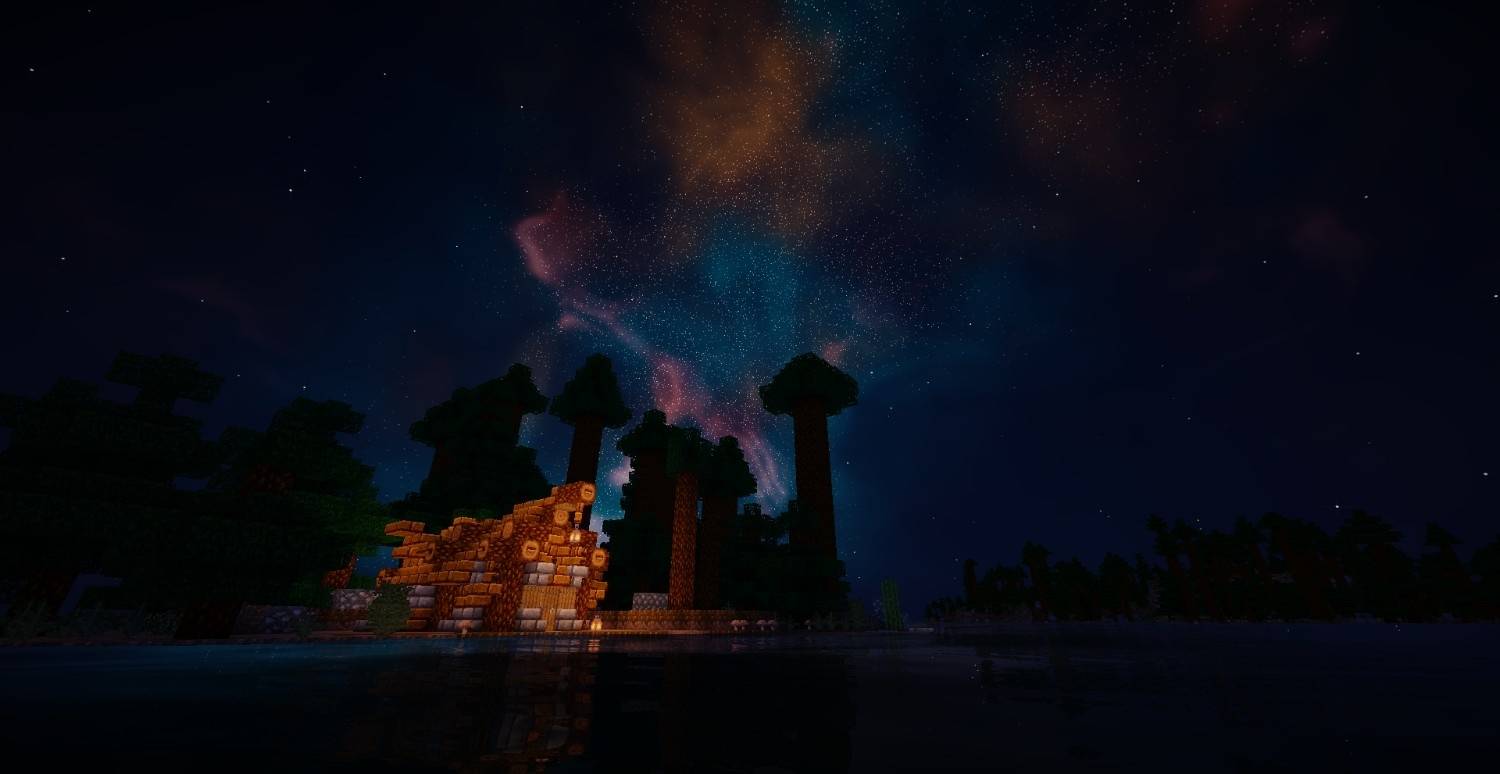
- A dark, mirror-still night ocean. When the sun goes down the water stops glowing and turns deep and reflective, catching the moon, the stars and the whole Milky Way overhead on its surface.
- True volumetric clouds. Not a flat painted layer. Soft, puffy cumulus with real depth and self-shadowing, drifting across the sky on a shared wind and thinning to clear skies at night. Warm sunlit tops, soft shadowed undersides, tuned to whatever mood you want.
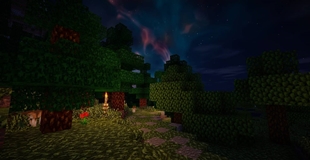
- A night sky worth looking up at. A dense Milky Way packed with stars like a deep-field photograph, twinkling brighter toward the galactic core, wheeling slowly overhead through the night and mirrored in the still water below.
- Living, breathing world. Grass, crops, leaves and flowers sway in the wind and stay rooted at the base like real plants. Tall grass bends as continuous blades, and even the sunflower's head rides the stalk without breaking. No more stiff we keep it buttery.
- Real soft sun shadows. Clean, believable directional shadows that ground everything to the world, with adjustable softness and depth.
- Full PBR support (labPBR). Drop in a PBR resource pack and watch blocks come alive: deep normal-mapped surface detail, per-material reflectivity, ambient occlusion in the crevices, and true emissive blocks that glow in the dark. Lava, lanterns, glowstone and ores light up on their own.
- Reflective water, done right. Water mirrors the sky and the world around it with natural fresnel, keeps your texture pack's water texture, and carries a murky depth so it reads like real water instead of glass or milk.
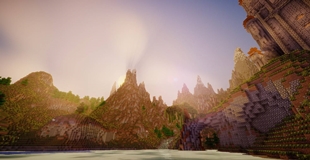
- Cinematic light. Filmic tonemapping, warm and cool grading, volumetric godrays, HDR bloom, and lens flare pull the whole scene together into something you want to screenshot.
- Tune everything. Nearly every look is a live in-game slider. Dial the mood, the shadows, the water, the glow, the pop of the normal maps, all without editing a file.
Editions
This release includes the free Reimagined edition so you can jump straight in.
The full collection of themed editions, each a distinct mood and grade, lives on Patreon, along with early access to updates and future add-ons. If you want the whole set and want to help keep PlunderPixels growing, that is where to find it.
Requirements
- Minecraft Java Edition with a recent OptiFine, or Iris + Sodium
- A PBR (labPBR) resource pack is optional but recommended to see the full normal, specular and emission detail
Welcome back to PlunderPixels.
The Ultimate Guide to PlunderPixel's Shader Reimagined
If you are exploring the vast world of Minecraft modifications, PlunderPixel's Shader Reimagined by PlunderPixels is a standout shader that deserves your attention. With over 681,880 downloads, it has become a staple for players looking to enhance their experience. As the creator describes it, this project is "A decade later, we're back with the clean and buttery flavor everyone loved. Lagless, smooth and real!". Whether you are a veteran builder constructing massive cities, or simply a casual player looking to upgrade your survival world, this guide will provide you with all the essential details on how PlunderPixel's Shader Reimagined alters the game.
What Makes It Special?
Unlike standard shaders that simply alter superficial elements, PlunderPixel's Shader Reimagined introduces a wide array of visual and mechanical features designed to seamlessly blend into the vanilla aesthetic. PlunderPixels has clearly spent significant time refining the project to ensure that every aspect feels polished and responsive for version 1.7.4.
Installation Guide
Getting PlunderPixel's Shader Reimagined up and running is straightforward. Follow these step-by-step instructions:
- Verify Your Version: Ensure your Minecraft launcher is set to version 1.7.4.
- Install Mod Loader (if required): If this is a mod, download the compatible loader (Forge, Fabric, NeoForge).
- Download the File: Click the secure download button above to retrieve the official file from CurseForge.
- Move the File: Place the downloaded file into your `mods`, `shaderpacks`, or `resourcepacks` folder depending on the shader type.
- Launch and Enjoy: Open Minecraft, navigate to the respective settings menu, and activate PlunderPixel's Shader Reimagined.
Compatibility & Performance
Compatibility is robust. PlunderPixel's Shader Reimagined is designed specifically for version 1.7.4, taking full advantage of the latest engine optimizations. During typical gameplay, this addition maintains a stable frame rate, though lower-end laptops might experience slight stuttering. We recommend pairing this with performance boosters like Sodium or Iris to guarantee a silky-smooth experience.