
Why FTB Library (NeoForge) is a top-tier mod mod for Minecraft 1.20.4
Common code for all GUI stuff in FTB Mods
⚙️ Quick Resource Specs
| Mod Creator | FTB |
| Latest Version | 1.20.4 |
| Supported Game Versions | 1.20.4, 1.20.1, 1.18.2, 1.16.4, 1.16.3 |
| File Size | 402.55 KB |
| Last Updated | |
| Total Downloads | 226,297,253 downloads |
FTB Library serves as a foundational component for FTB Mods. It's designed to simplify and enhance the modding experience for our developers, streamlining the development process for mods within the Feed the Beast ecosystem. While primarily intended for use by FTB Mods such as FTB Chunks and FTB Quests, it is not explicitly prohibited for integration into non-FTB mods. However, please note that using it in such contexts may pose challenges, and the responsibility for resolving any resulting issues falls upon the mod developer.



Pairs with




Key Features
- Streamlined GUI Development: FTB Library offers a structured framework for GUI creation, allowing us to enhance the user experience within the FTB Mods Suite.
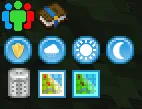
- Sidebar System: FTB Library introduces a convenient sidebar system located at the top left of your inventory screen, providing quick access to essential features.
- Config Library: Easily manage configurations and settings for your mods with FTB Library's built-in config library, making it simple to customize your gaming experience.
- SNBT System: FTB Library includes an SNBT (String Named Binary Tag) system, which simplifies data storage and manipulation within your mod, ensuring smooth integration and compatibility.
- SNBT-Based Config System: Utilize the SNBT-based config system to streamline the configuration of your mod, enabling quick adjustments to its behavior and appearance.
- NBT Editor: Access a powerful NBT editor through the "/ftblibrary nbtedit" command. This tool allows you to modify the NBT data of block entities, entities, or players directly from a user-friendly GUI.
- Utility Commands: FTB Library provides handy utility commands, such as "/ftblibrary night" and "/ftblibrary day" to control the in-game time and "/ftblibrary rain" to start or stop rain, simplifying your gameplay experience.
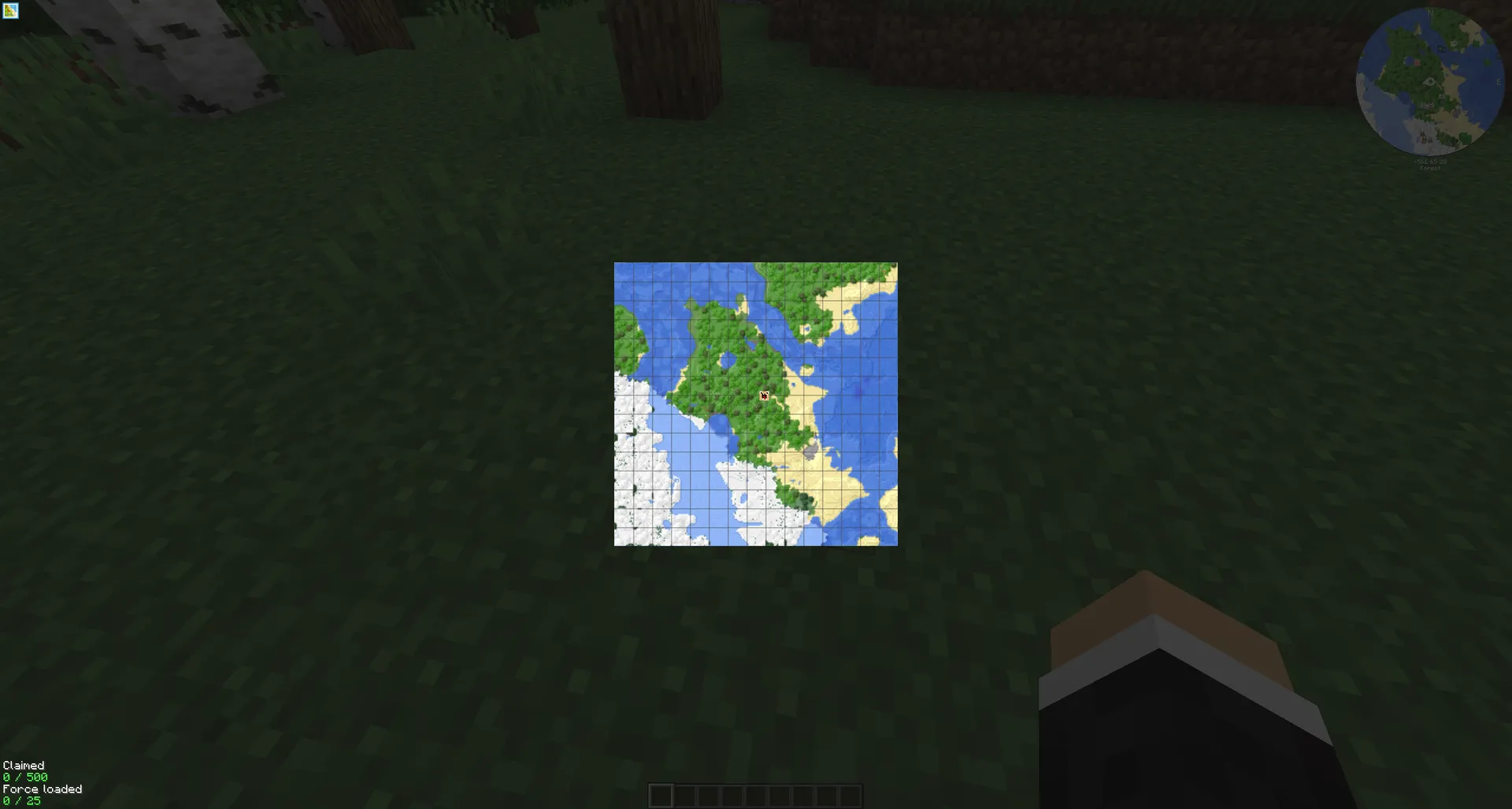
Example GUI's
Extensible Sidebar Buttons
FTB Library introduces the capability for other mods to create sidebar buttons via JSON files, enhancing the overall functionality and versatility of FTB Mods.
Note: While FTB Library is not designed for use in non-FTB mods, it is not explicitly restricted. Developers choosing to integrate it into such projects should be prepared for potential challenges.
Please proceed with caution and take full responsibility for any compatibility or integration issues that may arise. You can report bugs or feature requests on our GitHub issues page.
Support
- For Modpack issues, please go here: https://go.ftb.team/support-modpack
- For Mod issues, please go here: https://go.ftb.team/support-mod-issues
- Just got a question? Check out our Discord: https://go.ftb.team/discord
Keep up to date


The Ultimate Guide to FTB Library (NeoForge)
If you are exploring the vast world of Minecraft modifications, FTB Library (NeoForge) by FTB is a standout mod that deserves your attention. With over 226,297,253 downloads, it has become a staple for players looking to enhance their experience. As the creator describes it, this project is "Common code for all GUI stuff in FTB Mods". Whether you are a veteran builder constructing massive cities, or simply a casual player looking to upgrade your survival world, this guide will provide you with all the essential details on how FTB Library (NeoForge) alters the game.
What Makes It Special?
Unlike standard mods that simply alter superficial elements, FTB Library (NeoForge) introduces a wide array of visual and mechanical features designed to seamlessly blend into the vanilla aesthetic. FTB has clearly spent significant time refining the project to ensure that every aspect feels polished and responsive for version 1.20.4.
Installation Guide
Getting FTB Library (NeoForge) up and running is straightforward. Follow these step-by-step instructions:
- Verify Your Version: Ensure your Minecraft launcher is set to version 1.20.4.
- Install Mod Loader (if required): If this is a mod, download the compatible loader (Forge, Fabric, NeoForge).
- Download the File: Click the secure download button above to retrieve the official file from CurseForge.
- Move the File: Place the downloaded file into your `mods`, `shaderpacks`, or `resourcepacks` folder depending on the mod type.
- Launch and Enjoy: Open Minecraft, navigate to the respective settings menu, and activate FTB Library (NeoForge).
Compatibility & Performance
Compatibility is robust. FTB Library (NeoForge) is designed specifically for version 1.20.4, taking full advantage of the latest engine optimizations. During typical gameplay, this addition maintains a stable frame rate, though lower-end laptops might experience slight stuttering. We recommend pairing this with performance boosters like Sodium or Iris to guarantee a silky-smooth experience.


