
Why Quark is a top-tier mod mod for Minecraft 1.21.1
A Quark is a very small thing. This mod is a collection of small things that improve the vanilla minecraft experience.
⚙️ Quick Resource Specs
| Mod Creator | Vazkii |
| Latest Version | 1.21.1 |
| Supported Game Versions | 1.21.1, 1.20.1, 1.19, 1.18.2, 1.10.2 |
| File Size | 1.11 MB |
| Last Updated | |
| Total Downloads | 245,937,124 downloads |




About
Warning: Quark Requires Zeta for 1.20.1 onwards, or AutoRegLib for 1.19.2 and prior.
Quark is a fully modular minecraft mod, named after the subatomic particle. In simpler terms, it's a large mod with lots of small features, aimed at improving the vanilla game. Every feature can be turned on and off individually at your will, and most features contain further options to tweak the game just how you like it.
With quark installed, the title screen will get a new "q" button added to it. This button allows you to configure quark from inside the game, so you can easily turn off any features you don't vibe with.
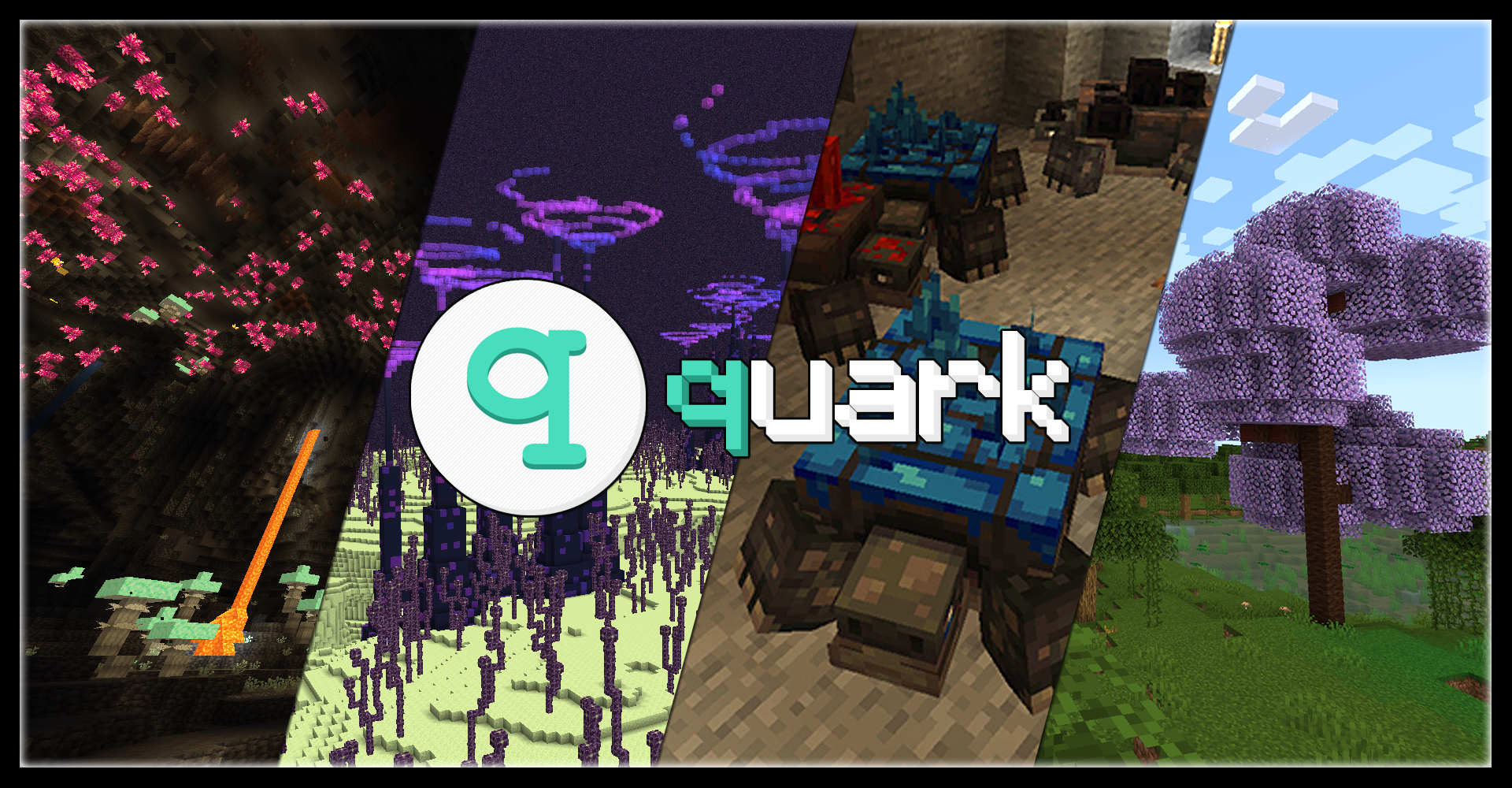
(Thank you Kompy for the cool hero image for this page!)
Features
Quark has over a hundred different modules to play with, but here's a small highlight reel of our favorites:
- Feeding Trough, for automatic animal breeding
- Pistons Push Tile Entities, just like in Bedrock Edition
- Japanese and Industrial style building blocks
- Variant versions for Bookshelves, Chests, and Ladders for all wood types
- Vertical Slabs, for all slabs already in the base game and Quark
- Advanced Camera Mode for fancy screenshots
- Toretoises, typo intended - new underground animals that grow ore on their back
- Pickarang, a pickaxe that can be thrown as a boomerang
- Trowel, a new tool to place random blocks from your hotbar, for paths or ruins
- Emote system, allowing your character to do all sorts of motions from the chat menu
- Reacharound Placing, which lets you place blocks under other blocks without being able to see the bottom face
- Azalea Wood, replacing the Oak wood in Azalea trees with a pleasant green
- Glimmering Weald, a new rare deep underground biome with glowing mushrooms and a cute new stone fae mob
And many, many more!
Learn more about Quark today
Visit the Official Website
- Visit the Old Website (for Minecraft versions 1.12 and prior)
- Check out what changed between Quark for 1.16 and Quark for 1.18
- Download Quark Oddities, an addon focusing on more complex and technical features
Compatibility
Quark has built-in compatibility for a few mods, including JEI and TerraBlender.
Quark may be incompatible with Optifine. If you are having issues using the two together, please uninstall Optifine and use a Sodium fork instead.
Additionally, if you are experiencing load crashes on 1.20.1, make sure your other mods are up to date, as any mods with integration from older versions will not function until updated.




The Ultimate Guide to Quark
If you are exploring the vast world of Minecraft modifications, Quark by Vazkii is a standout mod that deserves your attention. With over 245,937,124 downloads, it has become a staple for players looking to enhance their experience. As the creator describes it, this project is "A Quark is a very small thing. This mod is a collection of small things that improve the vanilla minecraft experience.". Whether you are a veteran builder constructing massive cities, or simply a casual player looking to upgrade your survival world, this guide will provide you with all the essential details on how Quark alters the game.
What Makes It Special?
Unlike standard mods that simply alter superficial elements, Quark introduces a wide array of visual and mechanical features designed to seamlessly blend into the vanilla aesthetic. Vazkii has clearly spent significant time refining the project to ensure that every aspect feels polished and responsive for version 1.21.1.
Installation Guide
Getting Quark up and running is straightforward. Follow these step-by-step instructions:
- Verify Your Version: Ensure your Minecraft launcher is set to version 1.21.1.
- Install Mod Loader (if required): If this is a mod, download the compatible loader (Forge, Fabric, NeoForge).
- Download the File: Click the secure download button above to retrieve the official file from CurseForge.
- Move the File: Place the downloaded file into your `mods`, `shaderpacks`, or `resourcepacks` folder depending on the mod type.
- Launch and Enjoy: Open Minecraft, navigate to the respective settings menu, and activate Quark.
Compatibility & Performance
Compatibility is robust. Quark is designed specifically for version 1.21.1, taking full advantage of the latest engine optimizations. During typical gameplay, this addition maintains a stable frame rate, though lower-end laptops might experience slight stuttering. We recommend pairing this with performance boosters like Sodium or Iris to guarantee a silky-smooth experience.


