
Why FPS UP is a top-tier mod mod for Minecraft 1.21.11
Developed by the talented creator ilcocowarrior, FPS UP stands out as a highly recommended selection for your Minecraft client. It is fully optimized, compatibility-tested, and brings a major upgrade to the gameplay experience in Minecraft version 1.21.11.
⚙️ Quick Resource Specs
| Mod Creator | ilcocowarrior |
| Latest Version | 1.21.11 |
| Supported Game Versions | 1.21.11, 1.21.10, 1.21.9, 1.21.8, 1.21.7 |
| File Size | 3.66 KB |
| Last Updated | |
| Total Downloads | 3,182 downloads |
FPS UP: the FPS counter that looks way better than your real performance
⚠️ Important: this mod is 100% fake. It does not make your game run faster. It only changes the number shown on your screen.
What is FPS UP?
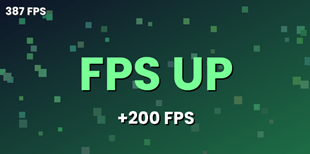
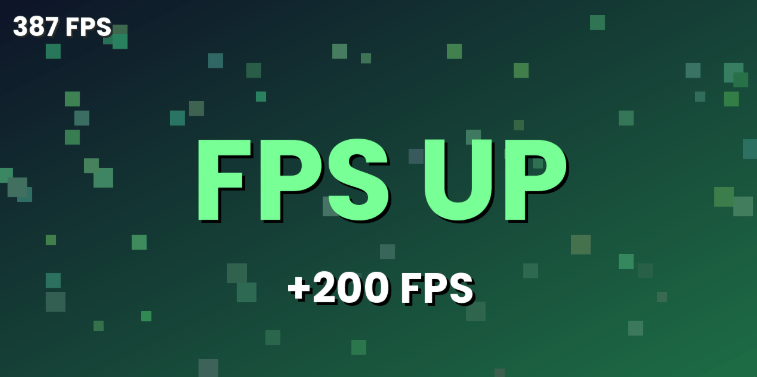
FPS UP adds a small counter in the top left corner of your screen. It measures your real FPS, then adds +200 to the result before displaying it. If your game runs at 60 FPS, the counter shows 260 FPS.
Who is it for?
- Pranking your friends.
- Making funny videos or screenshots.
- Enjoying a big number at the top of your screen.
What the mod does
- Displays an FPS counter in the top left corner, in white text.
- Adds 200 to your real FPS number.
- Works as soon as the game starts, with no configuration.
What the mod does NOT do
- It does not improve real performance.
- It does not reduce lag.
- It does not change rendering or the game engine in any way.
If you are looking for a real performance boost, use a dedicated optimization mod. FPS UP is just here for fun.
The Ultimate Guide to FPS UP
If you are exploring the vast world of Minecraft modifications, FPS UP by ilcocowarrior is a standout mod that deserves your attention. With over 3,182 downloads, it has become a staple for players looking to enhance their experience. As the creator describes it, this project is "Adds +200 FPS to the top-left FPS counter. Purely visual, no real performance boost. FAKE". Whether you are a veteran builder constructing massive cities, or simply a casual player looking to upgrade your survival world, this guide will provide you with all the essential details on how FPS UP alters the game.
What Makes It Special?
Unlike standard mods that simply alter superficial elements, FPS UP digs deep into the game's engine to provide a cohesive, performance-focused experience. ilcocowarrior has clearly spent significant time refining the project to ensure that every aspect feels polished and responsive for version 1.21.11.
Installation Guide
Getting FPS UP up and running is straightforward. Follow these step-by-step instructions:
- Verify Your Version: Ensure your Minecraft launcher is set to version 1.21.11.
- Install Mod Loader (if required): If this is a mod, download the compatible loader (Forge, Fabric, NeoForge).
- Download the File: Click the secure download button above to retrieve the official file from CurseForge.
- Move the File: Place the downloaded file into your `mods`, `shaderpacks`, or `resourcepacks` folder depending on the mod type.
- Launch and Enjoy: Open Minecraft, navigate to the respective settings menu, and activate FPS UP.
Compatibility & Performance
Compatibility is robust. FPS UP is designed specifically for version 1.21.11, taking full advantage of the latest engine optimizations. Since this is heavily focused on optimization, you can expect significant frame rate improvements on both low-end and high-end hardware.