
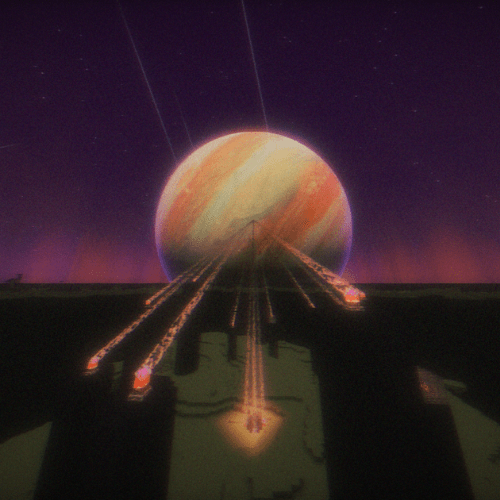
Why Soft Memory is a top-tier shader mod for Minecraft 1.21.11
A shader that tries to recreate childhood nostalgia!
⚙️ Quick Resource Specs
| Mod Creator | IslandAggravating |
| Latest Version | 1.21.11 |
| Supported Game Versions | 1.21.11, 1.21.10, 1.21.9, 1.21.8, 1.21.7 |
| File Size | 13.53 MB |
| Last Updated | |
| Total Downloads | 124,888 downloads |
Soft Memory
I have changed my username from McDonaldsWIFI_ig to IslandAggravated,why? Well nothing bad happened but I wanted to stay safe from potential issues… Anyway don't worry it is the same dev, same updates!!
Recover what they took from us!
Miss those memories where things were more colorful, brigther and there were no problems?, well… I have studied hundreds and hundreds of nostalogic images and tried several patterns to create something that feels safe… something that can resemble a childhood memory!
This is an edit from Mellow Shader by The CMK. I challanged myself to edit it on an intel igpu and it had to run so I am sure that you can run the shader in any device. Special thanks to The CMK, you are the GOAT. ##Update 1.14
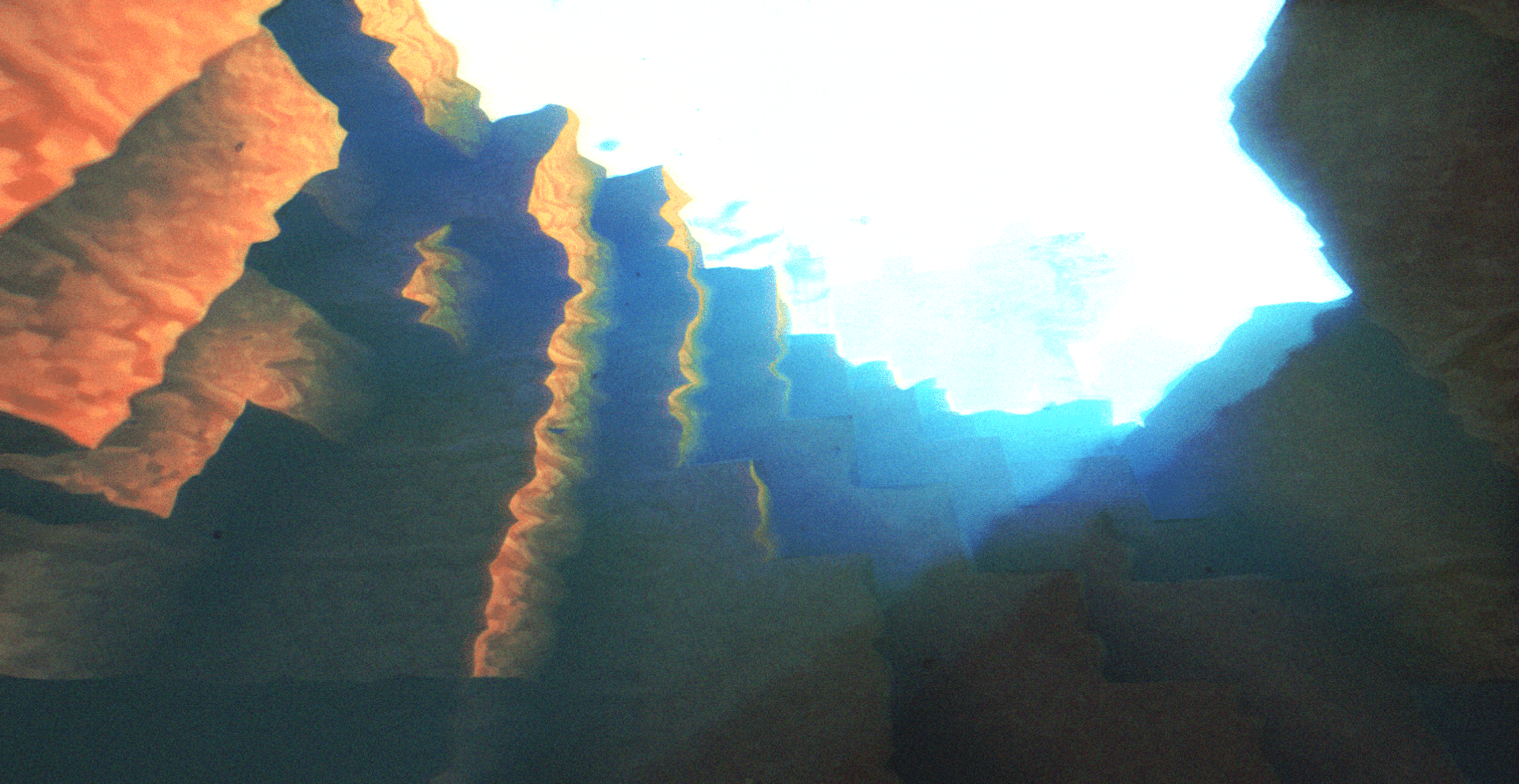
This is a big update, colors have been improved, rainbows were added, water is no longer blinding and the whole scene is atmospheric, just take a look at this summer afternoon shot!
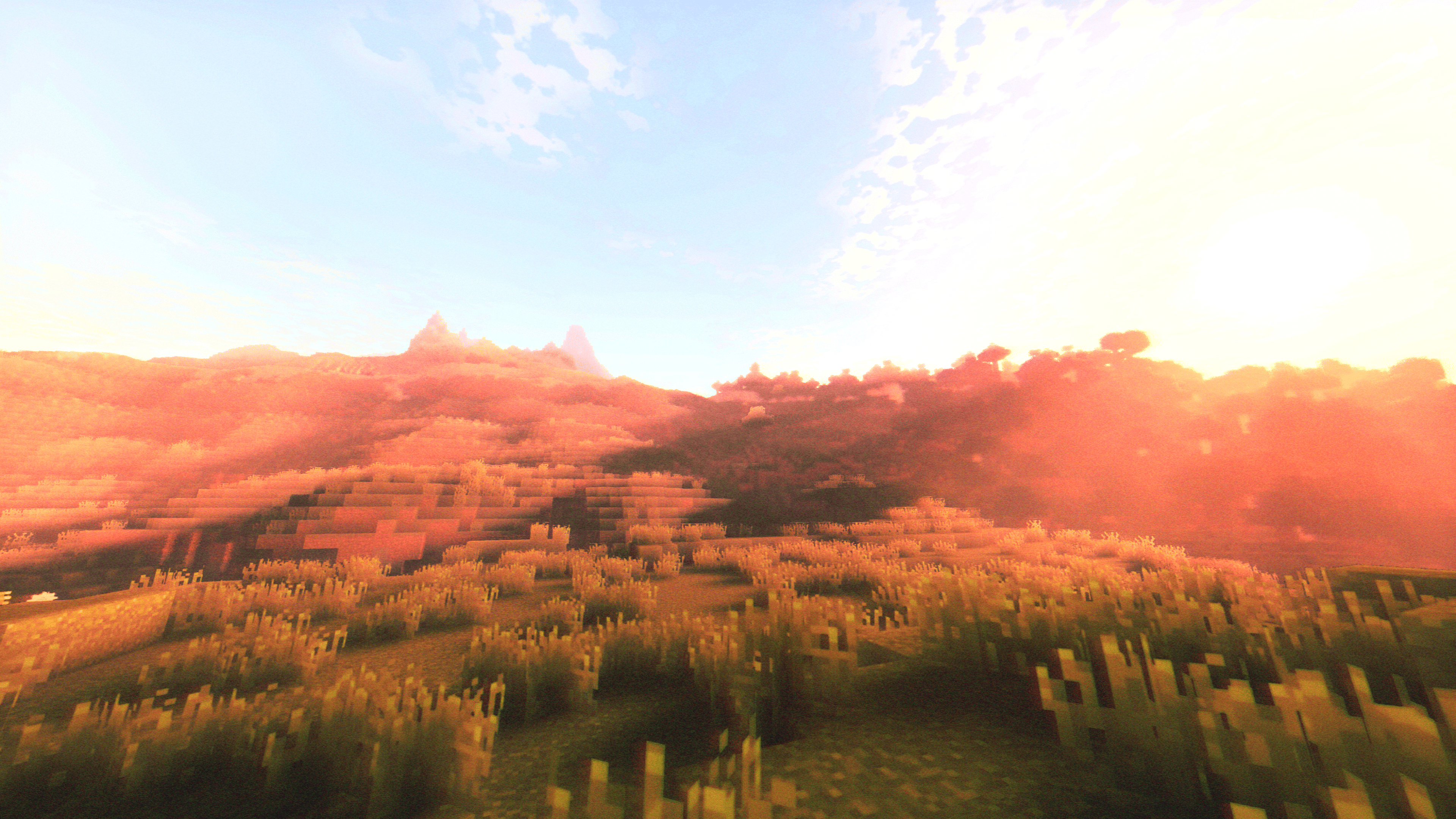
Childhood Summer mode :
How it looks like: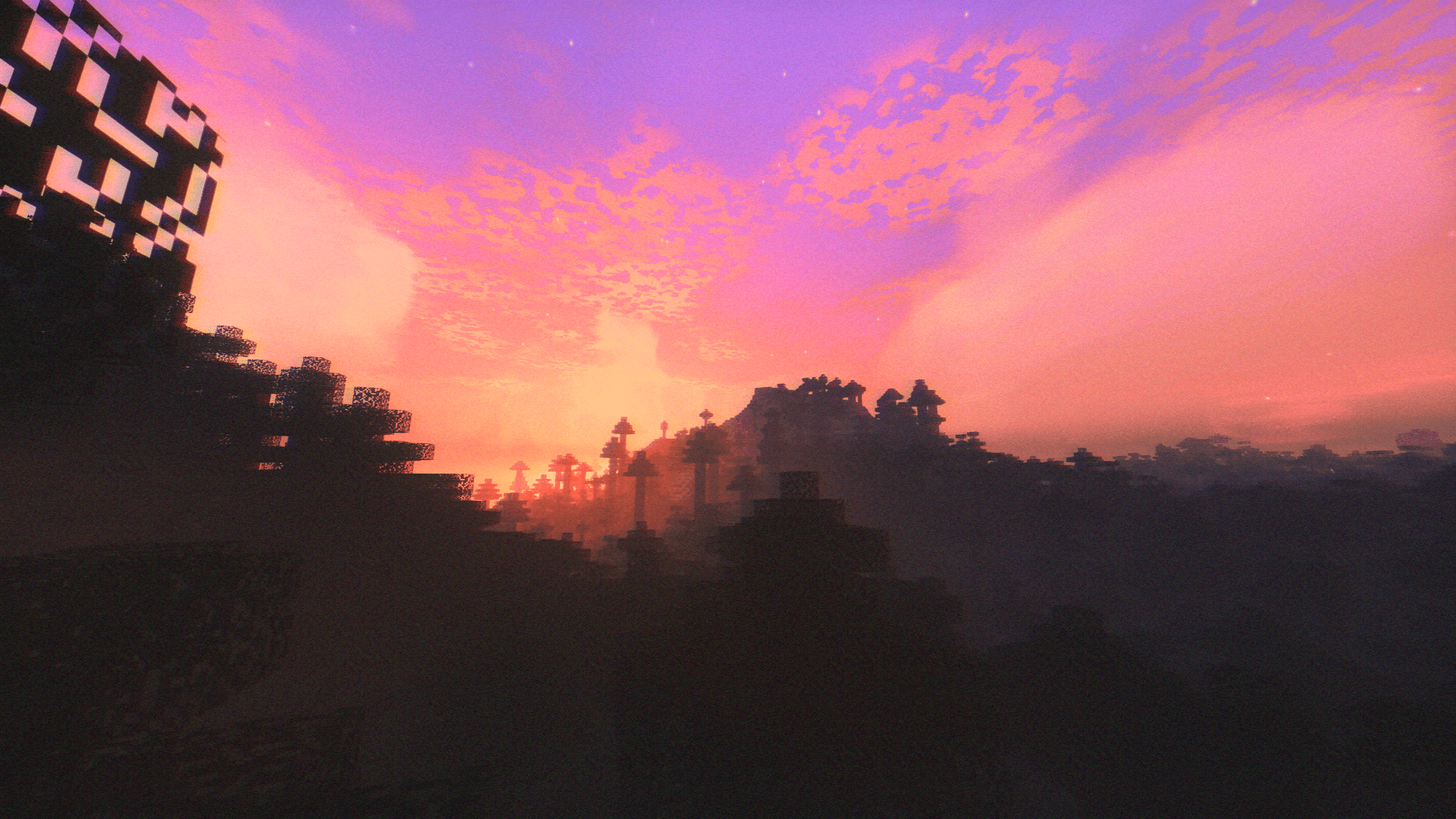
This mode tries to resemble summer nostalogic memories. It hits its peak at sunrise and sunset. The combination of saturated and vibrant colors, bloom uneven grain and a tiny bit of color chanel splitting can bring what I call home.
VHS mode :
How it looks like:

This brings the "Mom said it is my turn on the xbox" memory. It oposed to Childhood summer in terms of colors as it is desaturaated and with less contrast. You can see most of the classic artifacts that VHS tapes caused. If you enjoy how VHS cameras worked this mode is the best for you
Quality Presets:
- Fast - it is the most cut down version of all 4, I don't recomend playing with this preset unless you want very simple effects and maximize your FPS;
- Fancy (recomended for high FPS normal gameplay) - has more effects than fast but not all of the effects that the shader packs. It is a perfect balance between quality and performance;
- Fabulous (recomended for normal gameplay) - this preset has all of the effects enabled at a reasonable quality,not as fast as fancy)
- Ultra (recomended only for screenshots or renders) - it doesn't add more effects than fabulous. It only sets the quality to the max ensuring a crisp and detailed image.It takes a lot of your FPS so BE CAREFUL
Features that this Shader brings:
- Very great performance as it was tested on an igpu;
- Nostalogic color grading;
- Shooting stars;
- Shadows;
- PBR and specular support;
- Realistic moon;
- Reflections;
- Godrays;
- VHS effects;
- Bloom;
- 2016 Clouds without frying your pc;
- Great end ambience;
- much more things it is worth giving a try :)
The Ultimate Guide to Soft Memory
If you are exploring the vast world of Minecraft modifications, Soft Memory by IslandAggravating is a standout shader that deserves your attention. With over 124,888 downloads, it has become a staple for players looking to enhance their experience. As the creator describes it, this project is "A shader that tries to recreate childhood nostalgia!". Whether you are a veteran builder constructing massive cities, or simply a casual player looking to upgrade your survival world, this guide will provide you with all the essential details on how Soft Memory alters the game.
What Makes It Special?
Unlike standard shaders that simply alter superficial elements, Soft Memory introduces a wide array of visual and mechanical features designed to seamlessly blend into the vanilla aesthetic. IslandAggravating has clearly spent significant time refining the project to ensure that every aspect feels polished and responsive for version 1.21.11.
Installation Guide
Getting Soft Memory up and running is straightforward. Follow these step-by-step instructions:
- Verify Your Version: Ensure your Minecraft launcher is set to version 1.21.11.
- Install Mod Loader (if required): If this is a mod, download the compatible loader (Forge, Fabric, NeoForge).
- Download the File: Click the secure download button above to retrieve the official file from CurseForge.
- Move the File: Place the downloaded file into your `mods`, `shaderpacks`, or `resourcepacks` folder depending on the shader type.
- Launch and Enjoy: Open Minecraft, navigate to the respective settings menu, and activate Soft Memory.
Compatibility & Performance
Compatibility is robust. Soft Memory is designed specifically for version 1.21.11, taking full advantage of the latest engine optimizations. During typical gameplay, this addition maintains a stable frame rate, though lower-end laptops might experience slight stuttering. We recommend pairing this with performance boosters like Sodium or Iris to guarantee a silky-smooth experience.


