
Why Cartoony is a top-tier shader mod for Minecraft 1.21.11
A shader that makes 3D look like old-school cartoons on caffeine.
⚙️ Quick Resource Specs
| Mod Creator | xsoras |
| Latest Version | 1.21.11 |
| Supported Game Versions | 1.21.11, 1.21.10, 1.21.9, 1.21.8, 1.21.7 |
| File Size | 11.73 KB |
| Last Updated | |
| Total Downloads | 100,423 downloads |

🎨 Cartoony for Minecraft
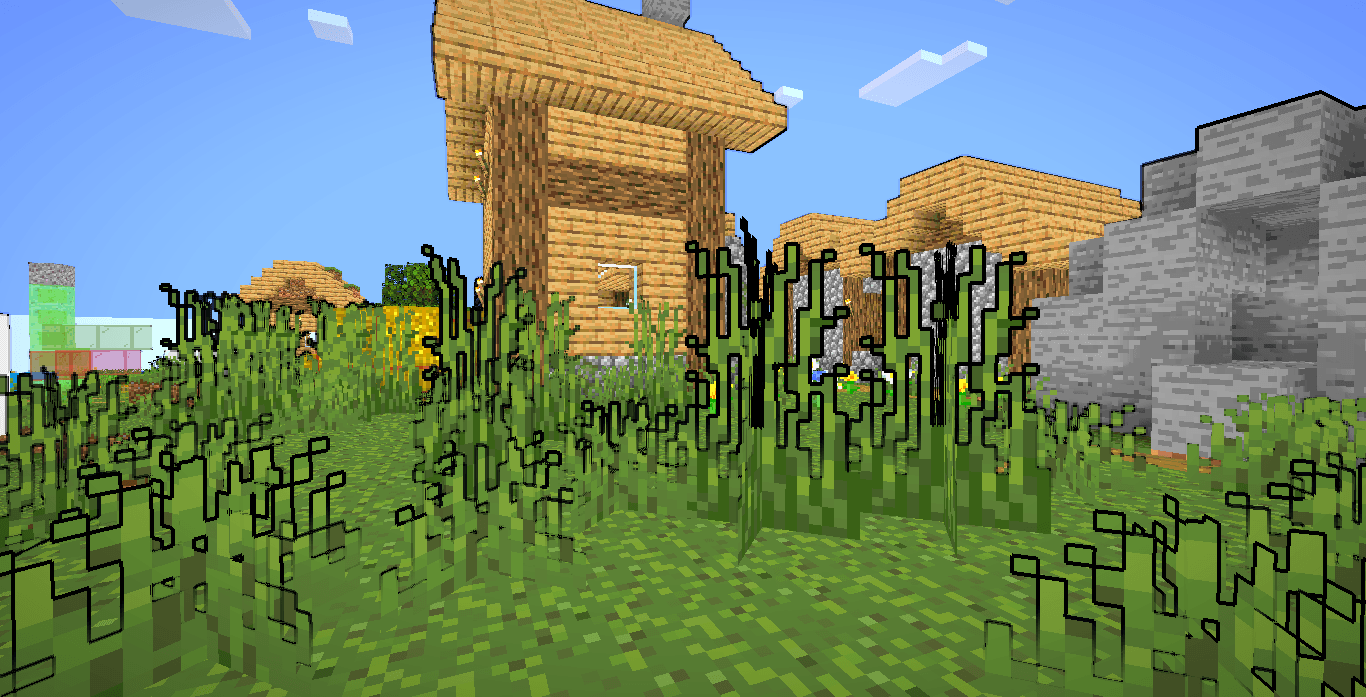
 Transform your Minecraft world into a vibrant, animated masterpiece! This shader pack brings a cel-shaded, cartoon aesthetic to your gameplay with smooth lighting, bold outlines, and stylized color grading.
✨ Features
Visual Effects
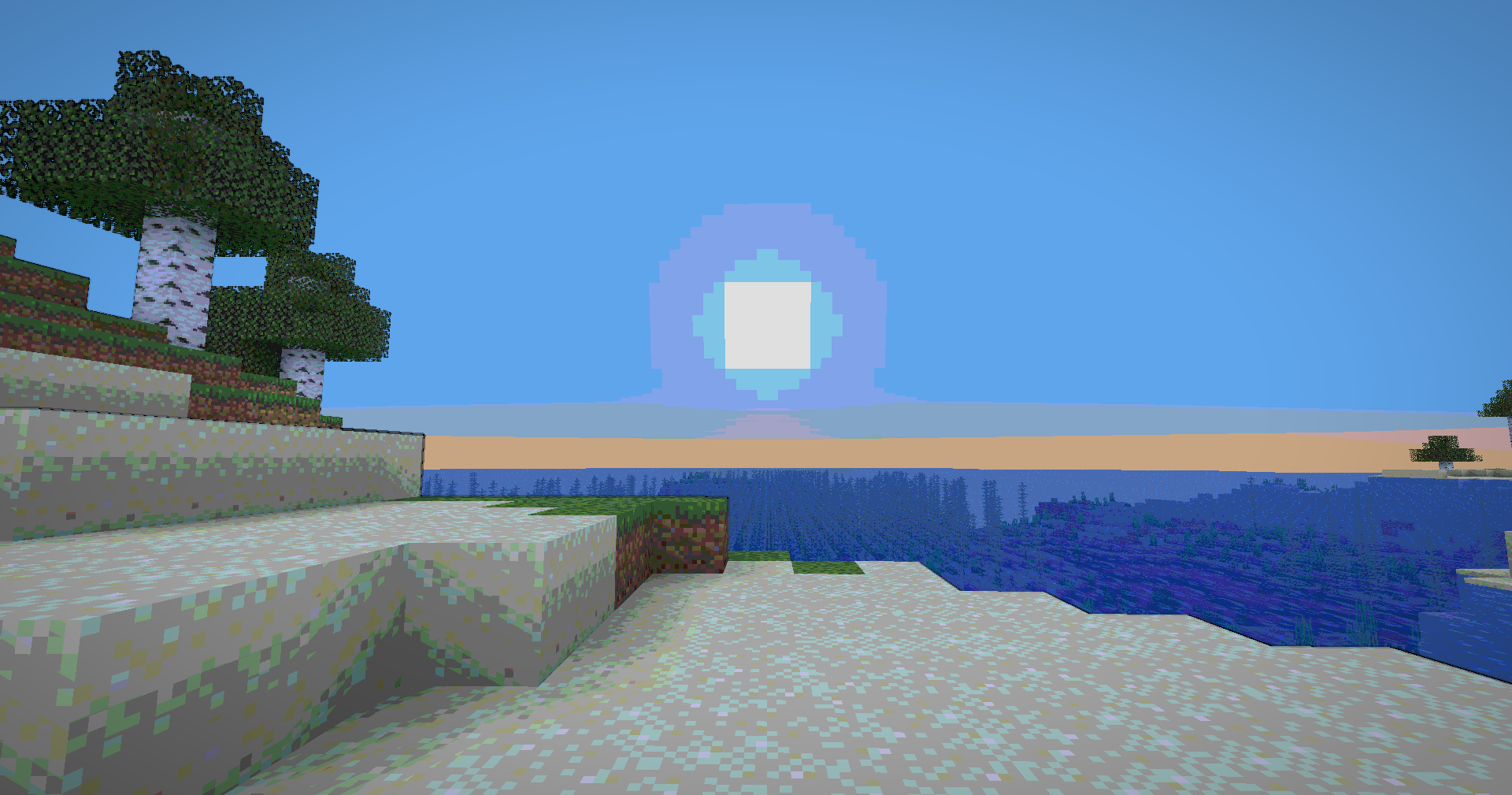
- Cel-Shaded Lighting - Smooth, stepped lighting that creates that iconic cartoon look
- Dynamic Outlines - Depth-based edge detection with smooth, artistic borders
- Color Banding - 8-level color quantization with seamless transitions
- Enhanced Colors - Carefully tuned saturation and warmth for a vibrant world
- Cinematic Vignette - Subtle darkening at screen edges for focus and depth
- Optimized Contrast - Balanced brightness that preserves detail without harsh shadows


🧠 Lamapi: Next-Gen Open Source AI
Pushing the boundaries of accessible intelligence. Whether you need lightweight efficiency or industrial-grade reasoning, the Next Series delivers.
Why build with Lamapi?
- ⚡ High Efficiency: From compact 1B models to powerful 70B reasoning engines.
- 🌍 Multilingual Mastery: Optimized for superior performance in English & Turkish.
- 🛠️ Ready to Deploy: State-of-the-art open weights available immediately.
Explore our models and start building:
🔗 https://huggingface.co/Lamapi
🚀 KCB Hosting: Power Meets Reliability
Looking for a host that takes your gaming experience as seriously as you do? We provide robust infrastructure ensuring smooth gameplay and enterprise-grade uptime.
Why switch to us?
- 💎 7-Day Free Trial: Experience the quality risk-free (No commitment).
- 🛡️ 99.9% Uptime SLA: Your server stays online, guaranteed.
- ⏰ 24/7 Support: Expert help whenever you need it.
🔥 Experience the difference with 25% off your first month,
Use code XSORAS
Deploy your server now:
💬 https://discord.gg/kcbhosting
Technical Features
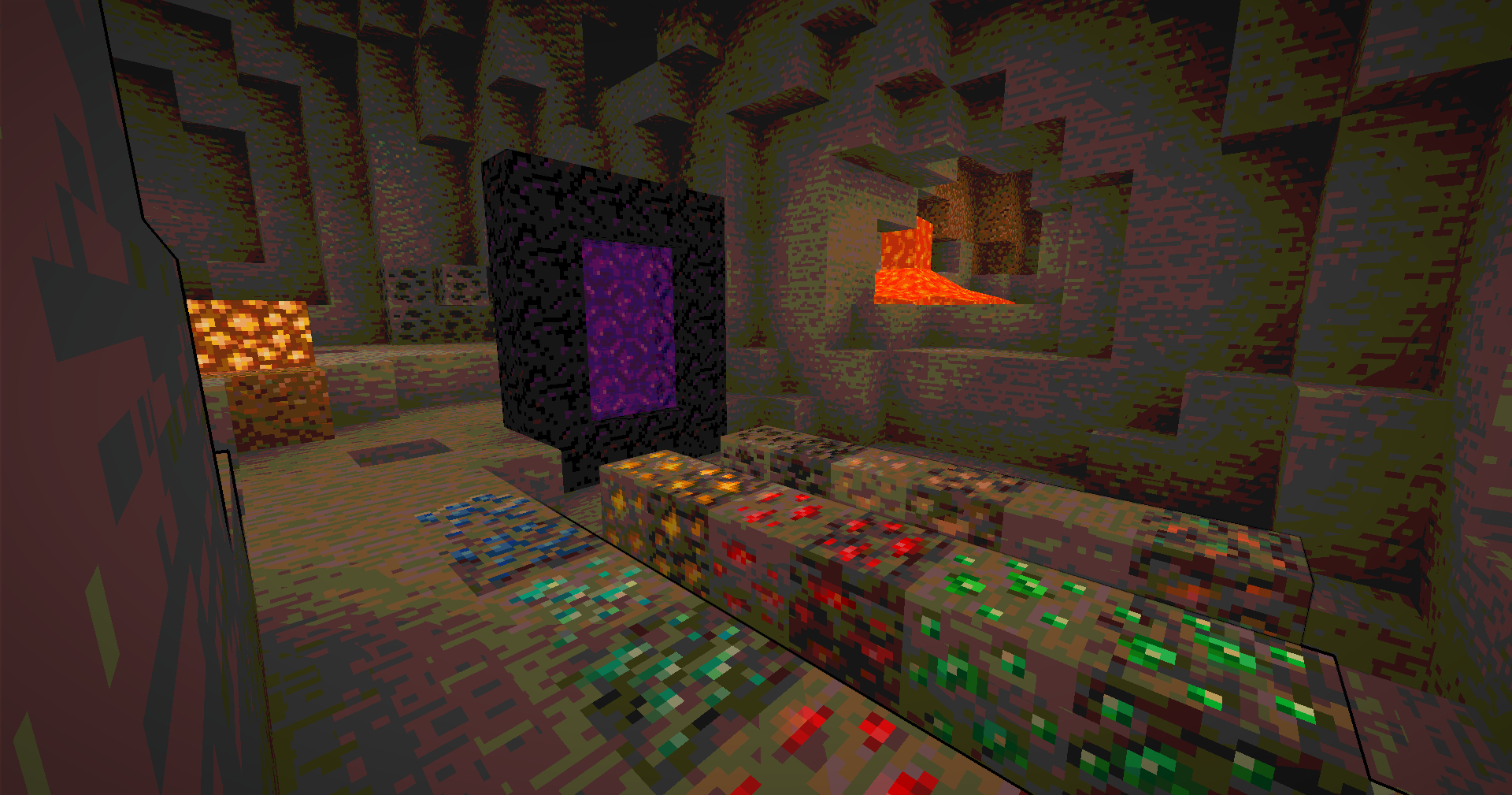
- Full Lightmap Support - Torches, lava, and all light sources work perfectly
- Normal-Based Shading - Subtle 3D depth effect while maintaining the cartoon style
- Smooth Tonemap - Reinhard tonemapping with gamma correction for accurate colors
- Hand Rendering - Special lighting pass for held items to ensure visibility
- Performance Optimized - Efficient shader code that runs smoothly on most systems
🎮 Perfect For
- Builders who want a unique artistic style
- Content creators looking for standout visuals
- Players who love animated aesthetics
- Anyone tired of ultra-realistic shaders
📋 Requirements
- Minecraft 1.12+ (GLSL 120 compatible)
- OptiFine or Iris Shaders
- Mid-range GPU recommended
🚀 Installation
- Download the shader pack
- Place the
.zipfile in yourshaderpacksfolder - Open Minecraft and go to Options → Video Settings → Shaders
- Select the Cartoonie
- Enjoy your animated world!
Enjoy your cartoon adventure! 🎬✨
The Ultimate Guide to Cartoony
If you are exploring the vast world of Minecraft modifications, Cartoony by xsoras is a standout shader that deserves your attention. With over 100,423 downloads, it has become a staple for players looking to enhance their experience. As the creator describes it, this project is "A shader that makes 3D look like old-school cartoons on caffeine.". Whether you are a veteran builder constructing massive cities, or simply a casual player looking to upgrade your survival world, this guide will provide you with all the essential details on how Cartoony alters the game.
What Makes It Special?
Unlike standard shaders that simply alter superficial elements, Cartoony introduces a wide array of visual and mechanical features designed to seamlessly blend into the vanilla aesthetic. xsoras has clearly spent significant time refining the project to ensure that every aspect feels polished and responsive for version 1.21.11.
Installation Guide
Getting Cartoony up and running is straightforward. Follow these step-by-step instructions:
- Verify Your Version: Ensure your Minecraft launcher is set to version 1.21.11.
- Install Mod Loader (if required): If this is a mod, download the compatible loader (Forge, Fabric, NeoForge).
- Download the File: Click the secure download button above to retrieve the official file from CurseForge.
- Move the File: Place the downloaded file into your `mods`, `shaderpacks`, or `resourcepacks` folder depending on the shader type.
- Launch and Enjoy: Open Minecraft, navigate to the respective settings menu, and activate Cartoony.
Compatibility & Performance
Compatibility is robust. Cartoony is designed specifically for version 1.21.11, taking full advantage of the latest engine optimizations. During typical gameplay, this addition maintains a stable frame rate, though lower-end laptops might experience slight stuttering. We recommend pairing this with performance boosters like Sodium or Iris to guarantee a silky-smooth experience.


