
Why Luminara Shader Lite is a top-tier shader mod for Minecraft 1.21.11
A modified version of Zenith Shader optimized for mid-range devices. Features reduced glowing effects, vanilla-style water, dimmed particles, darker End sky with fewer stars, and disabled ore emission for better performance and visual comfort.
⚙️ Quick Resource Specs
| Mod Creator | IXSG |
| Latest Version | 1.21.11 |
| Supported Game Versions | 1.21.11, 1.21.10, 1.21.9, 1.21.8, 1.21.7 |
| File Size | 12.17 MB |
| Last Updated | |
| Total Downloads | 38,858 downloads |
Luminara Shader Lite
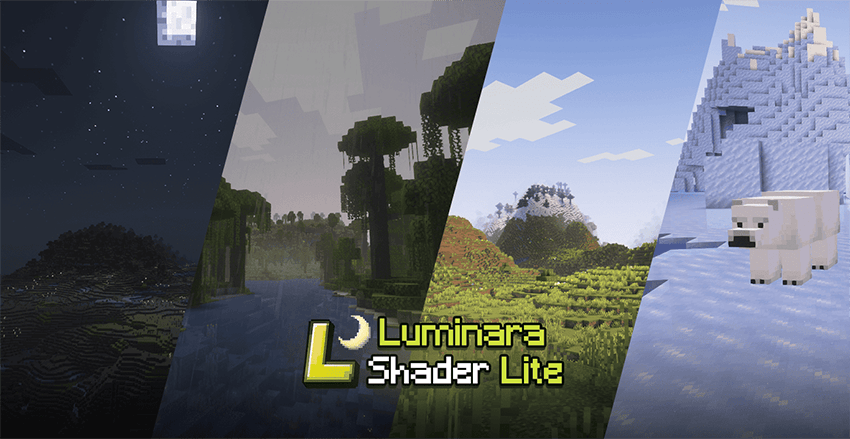

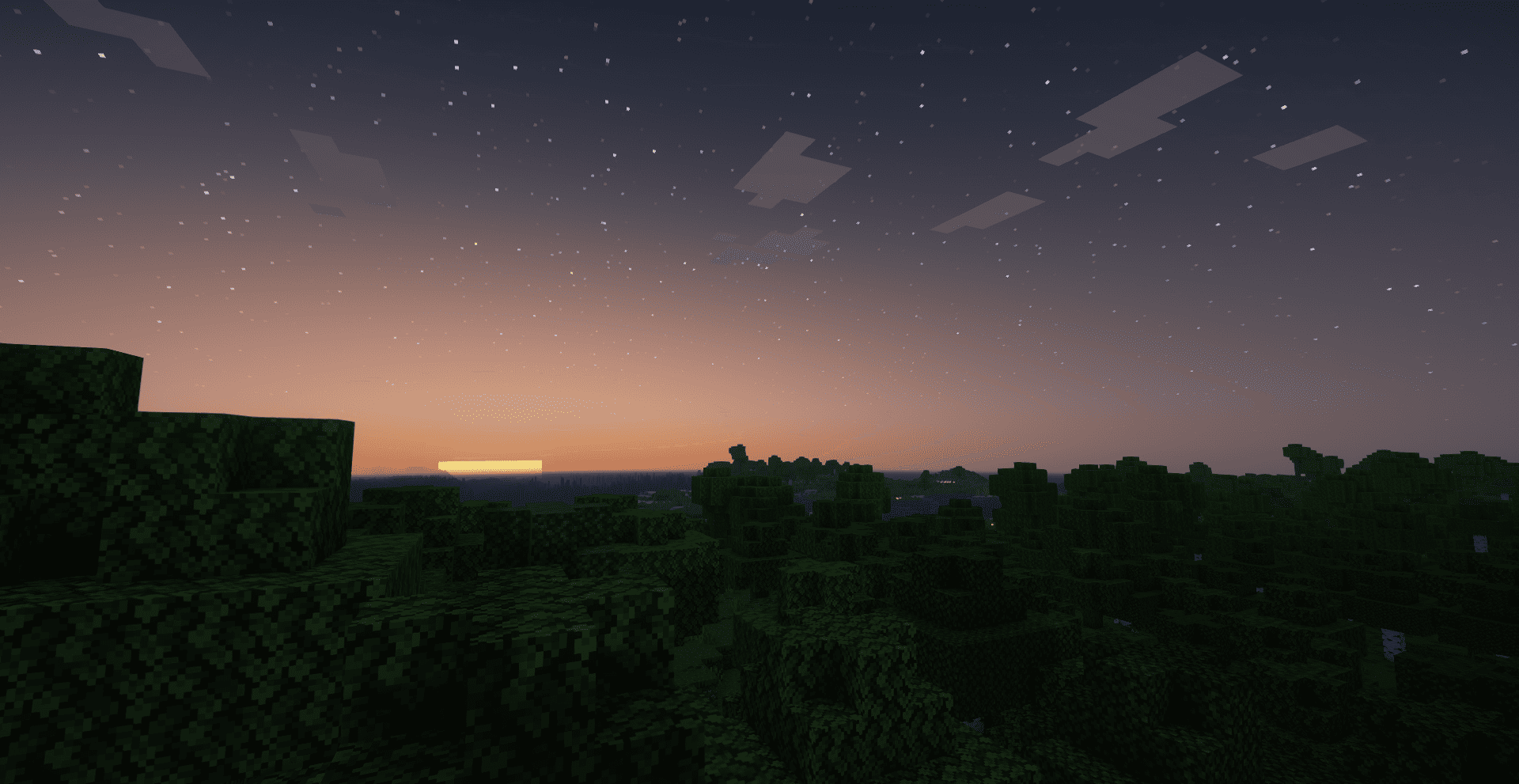
Luminara Shader Lite is a modified version of the renowned Complementary Shaders, specifically optimized for mid-range devices. This lightweight edition maintains the visual excellence of the original while providing better performance and stability for users with moderate hardware specifications.

---------------Luminara Shader - Rebuilt-----------------------------------------------Luminara Shader---------------------------
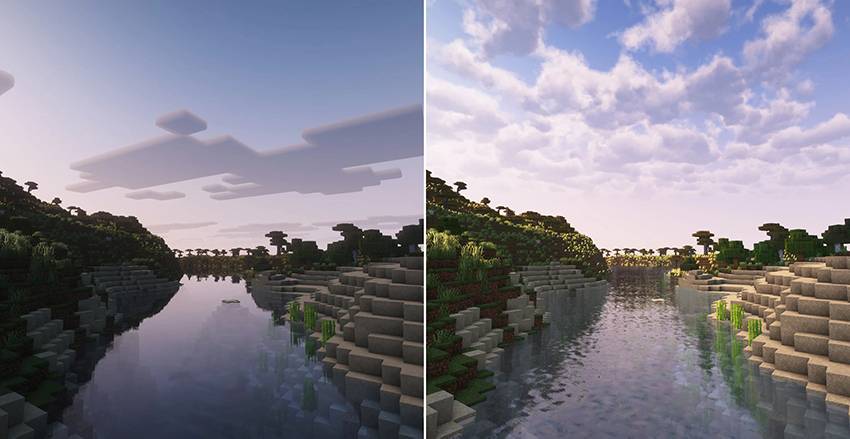

🌟 Enhanced lighting systems optimized for performance
🌤️ Dynamic atmospheric and weather effects
🎨 Advanced PBR (Physically Based Rendering) materials
💧 Realistic water rendering with reduced performance impact
🌙 Improved nighttime lighting and ambient effects
⚡ Volumetric lighting with performance optimizations
🔧 Customizable block materials and effects
🎯 Specifically tuned for mid-range gaming systems

This shader pack is designed to run smoothly on:
Mid-range graphics cards (GTX 1060/RX 580 and above)
8GB+ RAM systems
Modern CPUs with good single-thread performance

This shader pack is based on Complementary Shaders by EminGT. We express our deepest gratitude to the original creator for their incredible work and for making such high-quality shaders available to the community.
Original Shader: [Complementary Shaders]
Original Creator: EminGT
Modified Version: Luminara Shader Lite
Optimization Focus: Mid-range device compatibility

This modified version respects the original license terms of Complementary Shaders. Please refer to the original shader's licensing information for usage terms.

For issues specific to this modified version, please ensure you're using the latest version of OptiFine or Iris. For general shader questions, please refer to the original Complementary Shaders documentation.
Thank you to EminGT and the Complementary Shaders team for creating the foundation that made this optimized version possible.
The Ultimate Guide to Luminara Shader Lite
If you are exploring the vast world of Minecraft modifications, Luminara Shader Lite by IXSG is a standout shader that deserves your attention. With over 38,858 downloads, it has become a staple for players looking to enhance their experience. As the creator describes it, this project is "A modified version of Zenith Shader optimized for mid-range devices. Features reduced glowing effects, vanilla-style water, dimmed particles, darker End sky with fewer stars, and disabled ore emission for better performance and visual comfort.". Whether you are a veteran builder constructing massive cities, or simply a casual player looking to upgrade your survival world, this guide will provide you with all the essential details on how Luminara Shader Lite alters the game.
What Makes It Special?
Unlike standard shaders that simply alter superficial elements, Luminara Shader Lite digs deep into the game's engine to provide a cohesive, performance-focused experience. IXSG has clearly spent significant time refining the project to ensure that every aspect feels polished and responsive for version 1.21.11.
Installation Guide
Getting Luminara Shader Lite up and running is straightforward. Follow these step-by-step instructions:
- Verify Your Version: Ensure your Minecraft launcher is set to version 1.21.11.
- Install Mod Loader (if required): If this is a mod, download the compatible loader (Forge, Fabric, NeoForge).
- Download the File: Click the secure download button above to retrieve the official file from CurseForge.
- Move the File: Place the downloaded file into your `mods`, `shaderpacks`, or `resourcepacks` folder depending on the shader type.
- Launch and Enjoy: Open Minecraft, navigate to the respective settings menu, and activate Luminara Shader Lite.
Compatibility & Performance
Compatibility is robust. Luminara Shader Lite is designed specifically for version 1.21.11, taking full advantage of the latest engine optimizations. Since this is heavily focused on optimization, you can expect significant frame rate improvements on both low-end and high-end hardware.


