
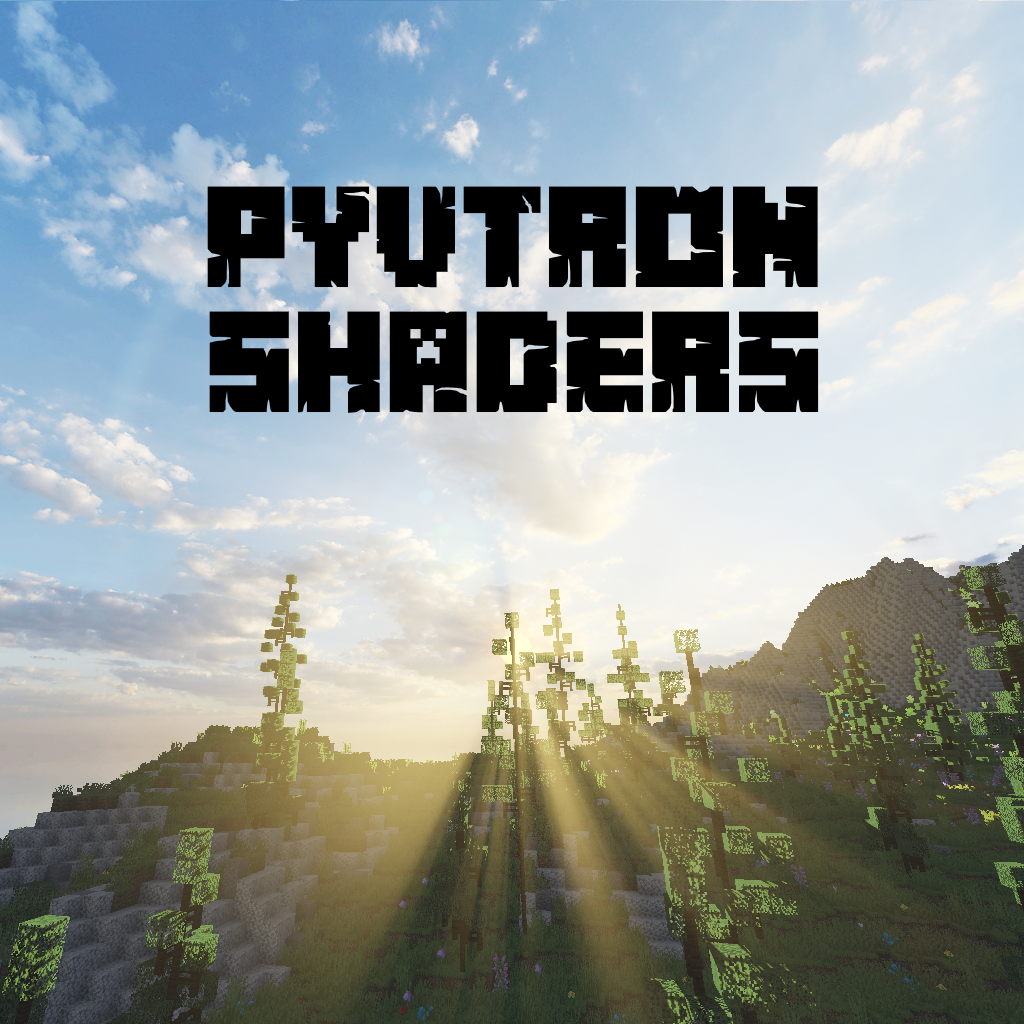
Why Pyvtron Shaders is a top-tier shader mod for Minecraft 1.21.11
A very very vibrant shader that has good performance!
⚙️ Quick Resource Specs
| Mod Creator | Pyvton |
| Latest Version | 1.21.11 |
| Supported Game Versions | 1.21.11, 1.21.10, 1.21.9, 1.21.8, 1.21.7 |
| File Size | 36.20 MB |
| Last Updated | |
| Total Downloads | 1,026,227 downloads |
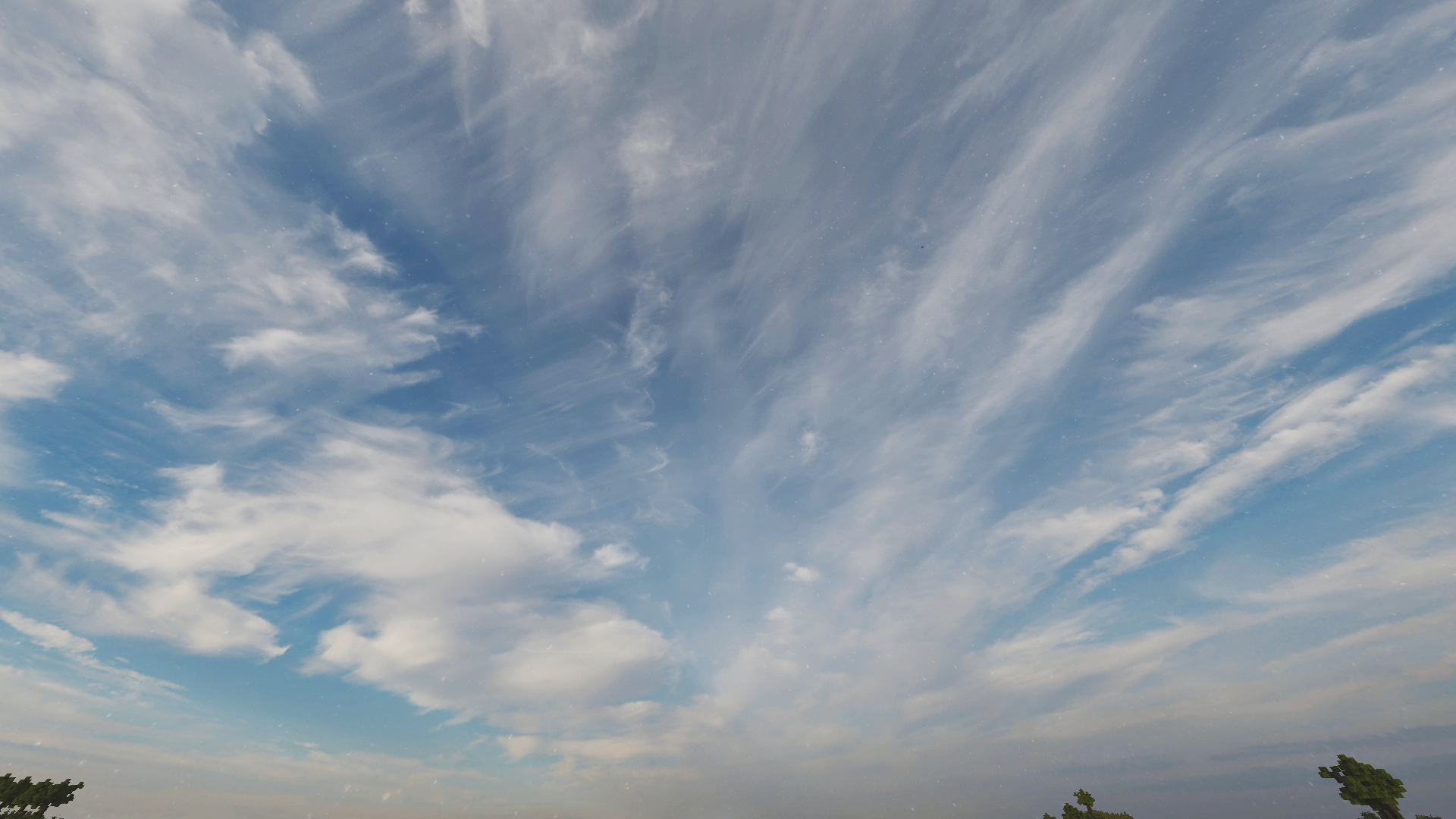
Pyvtron Shaders
Pyvtron is a shader that tries to look realistic.
This shader has a extreme realistic 8k resolution sky and and a beautiful water color.
Other Stuff: Volumetric Light, Dirty Lens PBR Support, Ambient Occlusion, and Fog
If you want to support me please make videos on youtube, tiktok or other platforms (so that Pyvtron shader becomes better known)
And don´t forget to download the newest version!
Requirements
AMD CPU (Recommended)
Intel is not recommended
Nvidia GPU Or AMD GPU.
A graphics card that supports OpenGL 4.6/OpenGL 4
Iris Shaders Mod. Other Shaders Mods are NOT SUPPORTED OR TESTED
Turn Show alpha files on if you want to download older/newer versions.
Installation
- First download Iris Shaders (This is only the Installer or download the mod)
- Run the .jar and click on Install.
- Download the latest version of Pyvtron
- Open the Minecraft Launcher. You’ll see the Iris Shaders profile sellect you profile and Start Minecraft.
- Go to Options → Video Settings → Shaders → Shaderpacks Folder.
- Drag the downloaded shaderpack into the shaderpacks folder.
- Select the shaderpack ingame.
- Enjoy.
Please Check Also My Other Shader Out:
Pyvtron VX (Version X)
Pyvtron VX (Version X) Is realistic and has much much more detail and has more realism than Pyvtron Shaders!
Blacklist:
KLauncher
Xenolith
Minecraftzw
FoxyCraft
Whitelist:
9Minecraft
Zonacraft
Feed The Mods
Minecraft-France
Modrinth (Official Uploaded By Me)
Agreement
© 2025 Pyvton - All Rights Reserved
1. Allowed Actions
You can upload it to a site but the download link must be one of CurseForge, Modrinth, Github or My Website
"Modify the project for personal use only, without sharing or publishing it.
Record and upload videos, screenshots, and streams showcasing Pyvton Shaders on platforms like YouTube, Twitch, TikTok, etc., including monetization, under these conditions:
2. Prohibited Actions
Uploading, rehosting, or distributing any version of Pyvton Shaders using your own links.
Using any ad-based or monetized link services (e.g., AdFly, Linkvertise, Boosters).
Bundling or embedding Pyvton Shaders into:
Modpacks, resource packs, launcher tools, or shader collections.
Minecraft servers or launchers, in any form—pre-installed, downloadable, or bundled.
Any third-party software or shader management tools.
Sharing modified versions unless:
You received explicit written permission from Pyvton.
The modified version contains significant original work.
It is licensed under the same license.
No monetization is involved unless approved by Pyvton.
Using parts of the project (e.g., code or textures) in other projects without permission.
Add a download link in the description
The Ultimate Guide to Pyvtron Shaders
If you are exploring the vast world of Minecraft modifications, Pyvtron Shaders by Pyvton is a standout shader that deserves your attention. With over 1,026,227 downloads, it has become a staple for players looking to enhance their experience. As the creator describes it, this project is "A very very vibrant shader that has good performance! ". Whether you are a veteran builder constructing massive cities, or simply a casual player looking to upgrade your survival world, this guide will provide you with all the essential details on how Pyvtron Shaders alters the game.
What Makes It Special?
Unlike standard shaders that simply alter superficial elements, Pyvtron Shaders digs deep into the game's engine to provide a cohesive, performance-focused experience. Pyvton has clearly spent significant time refining the project to ensure that every aspect feels polished and responsive for version 1.21.11.
Installation Guide
Getting Pyvtron Shaders up and running is straightforward. Follow these step-by-step instructions:
- Verify Your Version: Ensure your Minecraft launcher is set to version 1.21.11.
- Install Mod Loader (if required): If this is a mod, download the compatible loader (Forge, Fabric, NeoForge).
- Download the File: Click the secure download button above to retrieve the official file from CurseForge.
- Move the File: Place the downloaded file into your `mods`, `shaderpacks`, or `resourcepacks` folder depending on the shader type.
- Launch and Enjoy: Open Minecraft, navigate to the respective settings menu, and activate Pyvtron Shaders.
Compatibility & Performance
Compatibility is robust. Pyvtron Shaders is designed specifically for version 1.21.11, taking full advantage of the latest engine optimizations. Since this is heavily focused on optimization, you can expect significant frame rate improvements on both low-end and high-end hardware.


